Setting up and Using Your PX1
Optical Power Expert 23
Adjusting the Date and Time
Adjusting the Date and Time
The time is displayed in the title bar. When saving results, the unit also
saves the corresponding date and time.
Note: Time is expressed in a 24-hour format.
Note: The date is displayed in the international standart date notation
(yyyy mm dd).
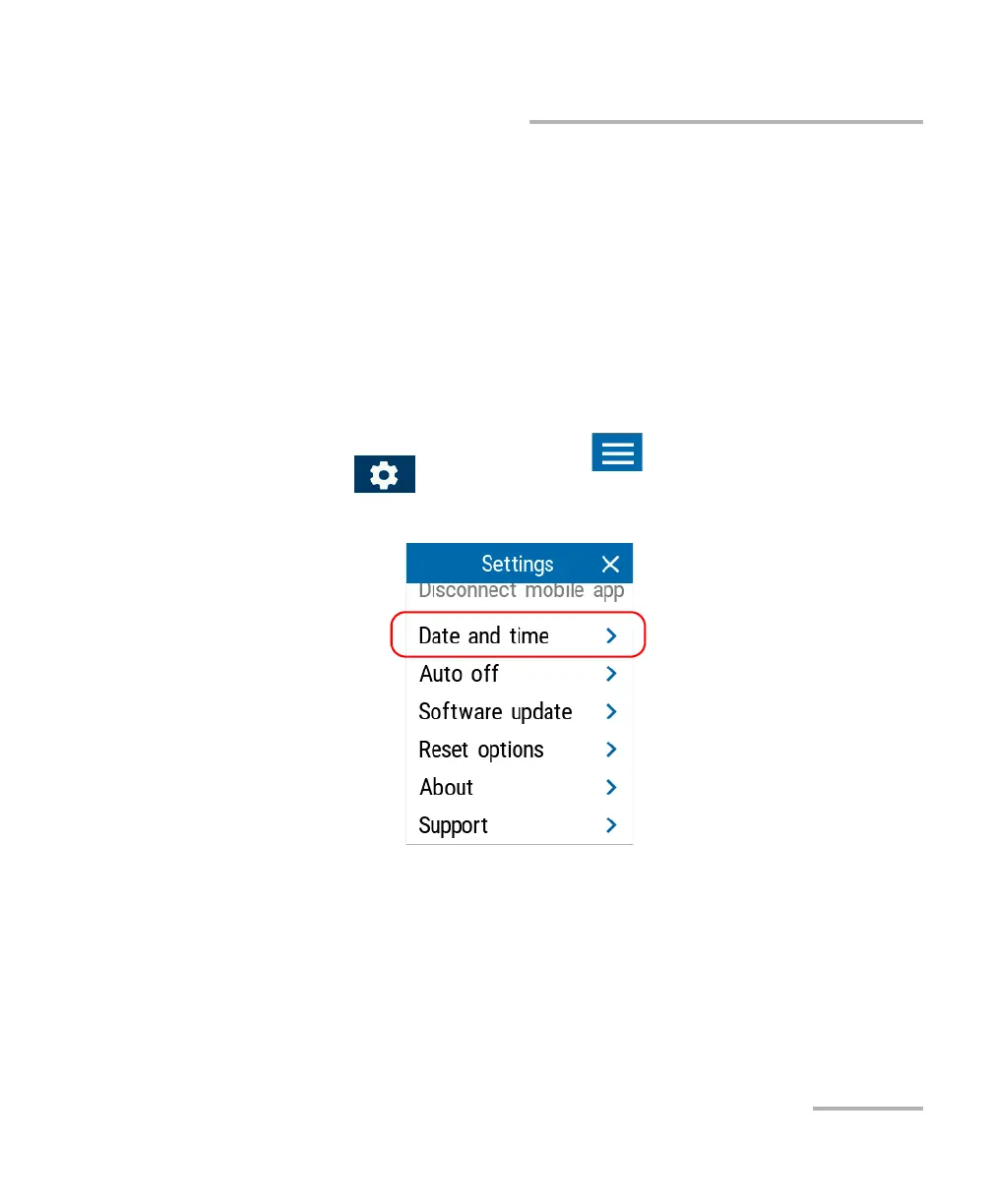
To adjust the date and time:
1. From the main PX1 page, tap the icon to access the menu, then
select .
2. Under Unit settings, tap Date and time.



 To Next Page