Optical Power Expert 43
4 Managing Test Results
You can view measurements directly from your unit.
Note: You cannot transfer measurements from your unit to a computer by
connecting them with a USB cable.
Viewing Measurements
Every time you perform a measurement, the unit saves it using the date
and time as a name. You can save up to 100 measurements. When you
reach 101, the unit will start to overwrite the oldest measurement with the
new one.
Note: The unit will prompt you before overwriting old measurements.
To view the stored measurements:
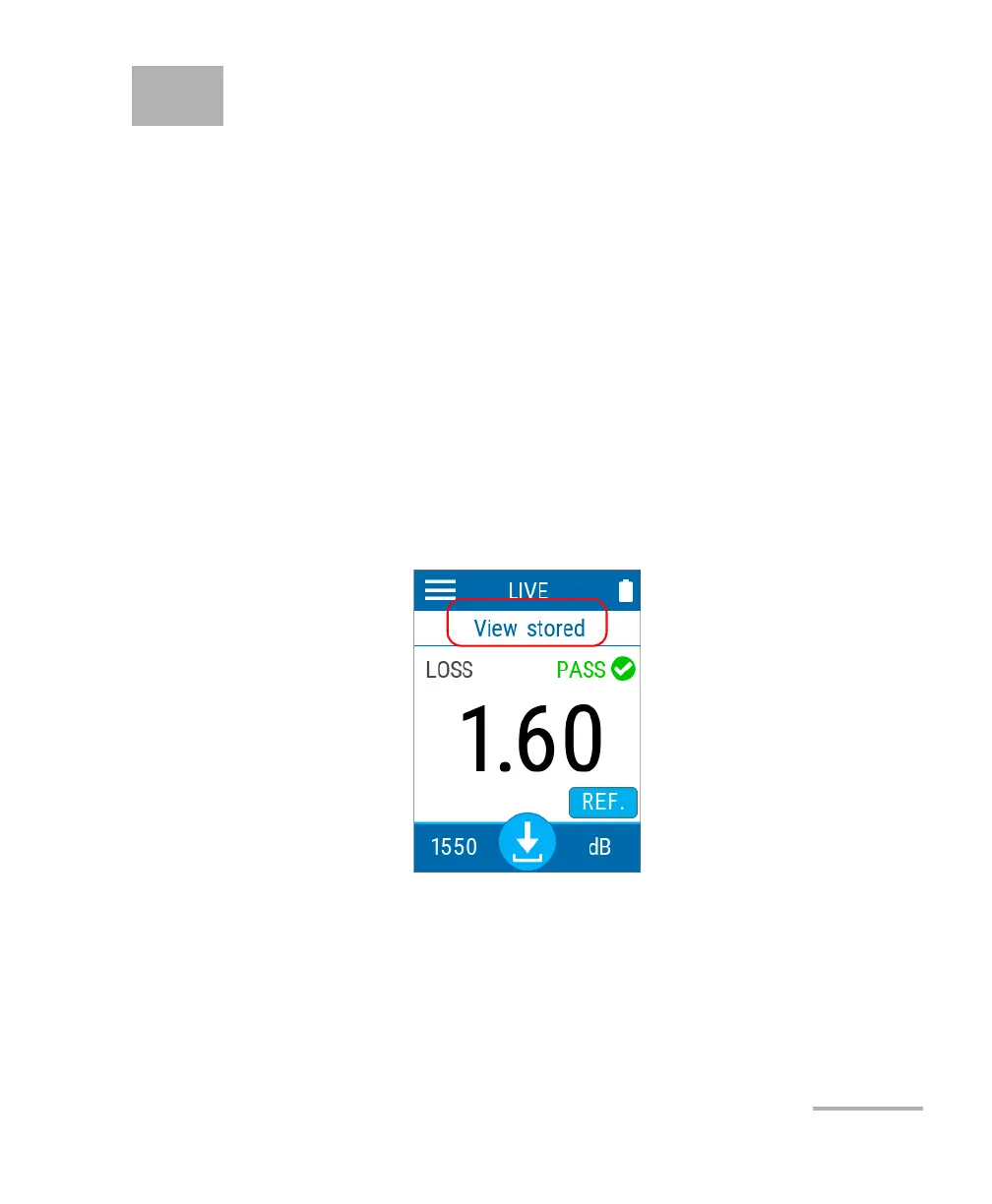
1. From the main window, tap View stored.



 To Next Page