Maintenance
Optical Power Expert 61
Replacing the Battery
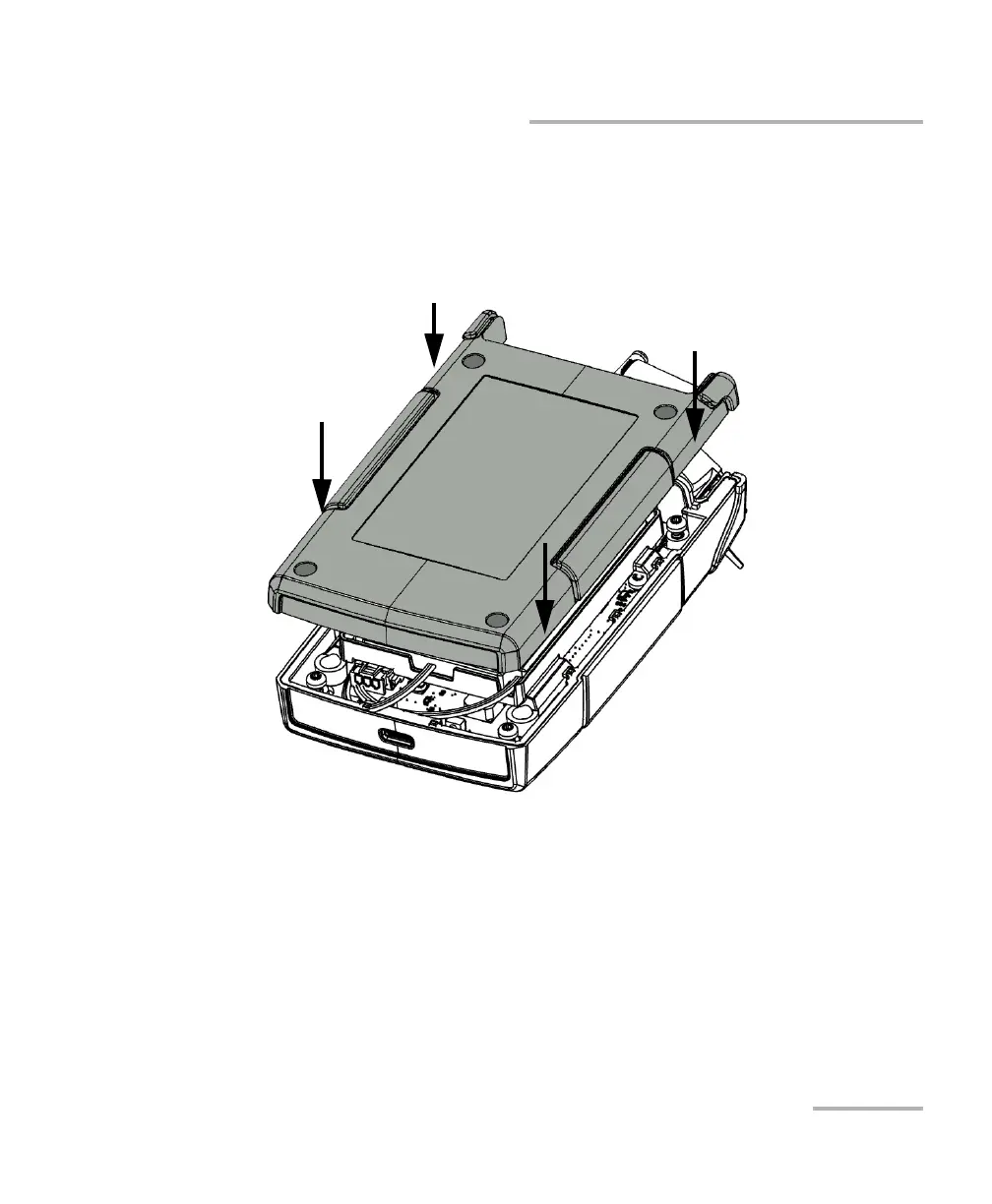
11. Place the back panel on the unit, making sure that it is aligned properly
with the front of the unit. The sides of the back panel should be flush
with those of the front. There should be no gap between the back
panel and the front of the unit. If necessary, slightly move the back
panel until alignment is correct.
12. Using a Phillips screwdriver, turn the screws (4) clockwise until they
are tightened.
This will secure the back panel into place.



 To Next Page