27
EX-61001 English
© Copyright 2023 by EXSYS Vertriebs GmbH. All rights reserved
7. Server Settings
5. Device Management
Firmware Upgrade Installing new device firmware.
Select the locally stored installation package of the new firmware and click on "Start"
to perform the upgrade.
Attention! During the upgrade, the device server must always be connected to the
network and to the power supply, otherwise the device may be destroyed.
We cannot accept any responsibility for incorrectly executed updates.
Restore Factory Resetting the unit to factory defaults
Port Restart Restarting individual ports (e.g. in case of a malfunction)
System Restart Reboot the serial device server
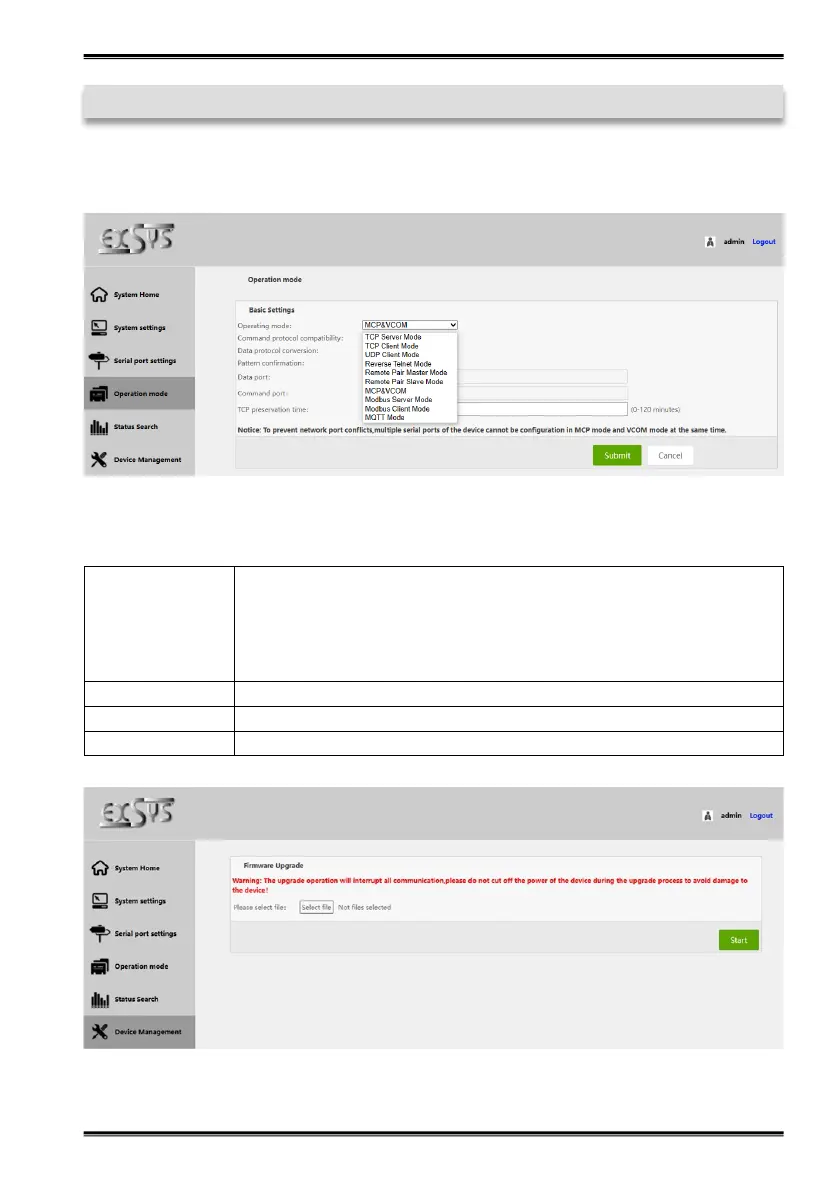
4. Operation mode
Set up the desired operating mode of the serial interface.


 To Next Page