SYSTEM PARAMETER SETUP
32
If the wrong address is entered, press the EXIT key to erase last input and return to
previous address. Press the EXIT key second time to exit from the address setting to
the operation mode or press the SETUP key to advance to the Fail Stop selection.
8.5 Fail to Stop/Continue
Press the SETUP key to advance the menu to the Fail Stop parameter. The display
will show:
Fail Stop = ON
ENTER to select
or Fail Stop = OFF
ENTER to select
Use the ENTER key to select the mode of Fail Stop.
After the selection of Fail Stop mode, press the SETUP key to advance to the Single
Step selection, or press the EXIT key to exit from the Fail Stop selection to the
operation mode. The Program will store the selection of Fail Stop automatically.
This function is used when multiple steps have been connected. If the Fail Stop
mode is set ON, the test process will stop at the step that fails, or at the end of test
process. When there are unfinished steps to be completed, pressing the TEST button
will continue the test process at the next step. Pressing the RESET button and then
the TEST button will start the test process from the first step.
If the Fail Stop is set to OFF, the instrument will continue to complete the entire
test process even if there were failed steps during the test. The display will show
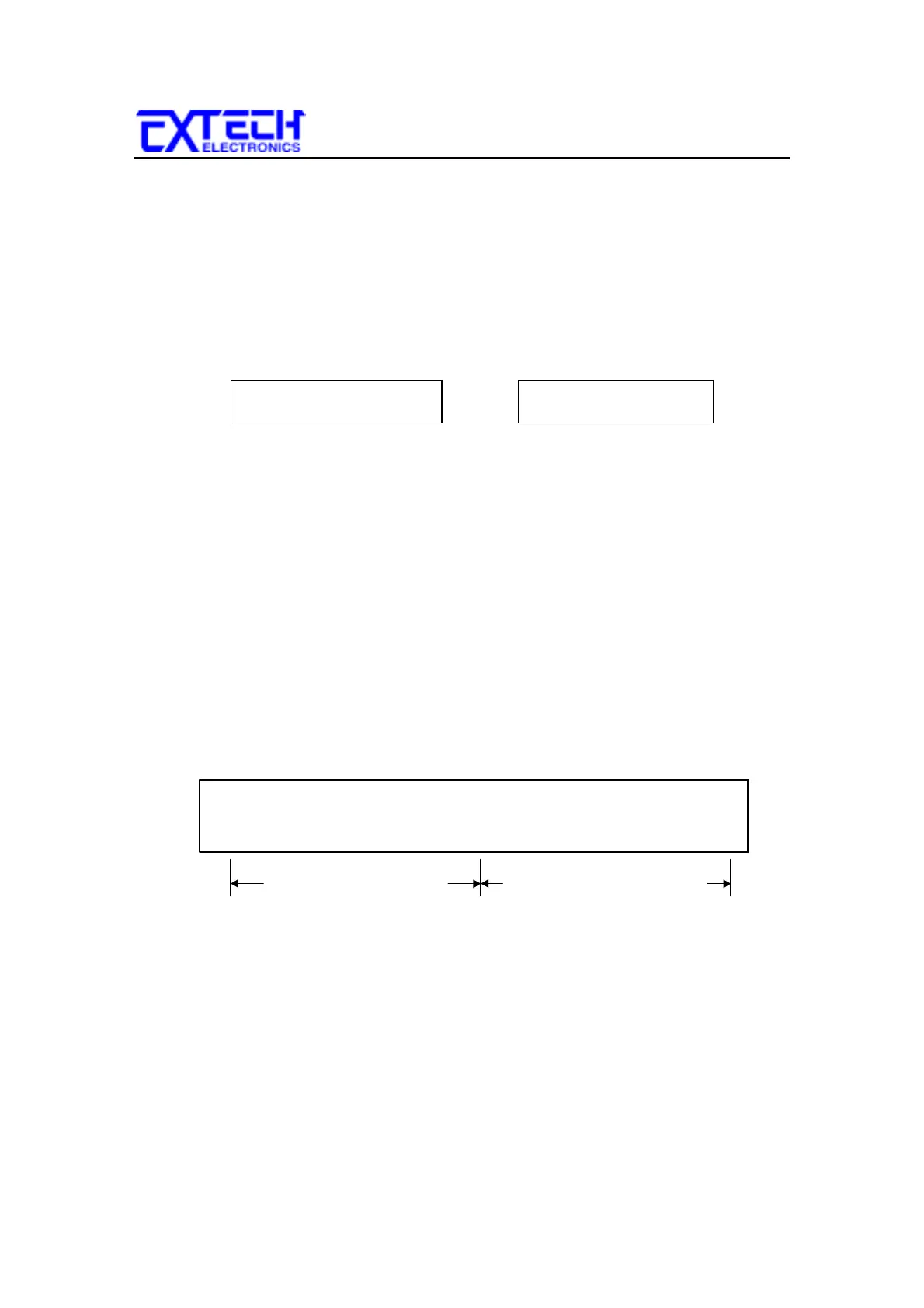
the results of each step at the end of test process, as follows:
The pass fail status is indicated by the letter F (Fail) or P (Pass). The Pass/Fail
status of the first memory Program will show on the left end and the second one
will be on the right. The pass/fail status of the first 16 steps can be displayed. A
maximum of 16 steps will be saved. If more than 16 steps are executed in sequence,
results from those steps greater than 16 cannot be retrieved from memory.
T PFPFPFPFPFPFPFP
S 123456781234567
First Memory Program Second Memory Program



 To Next Page