1
Overview
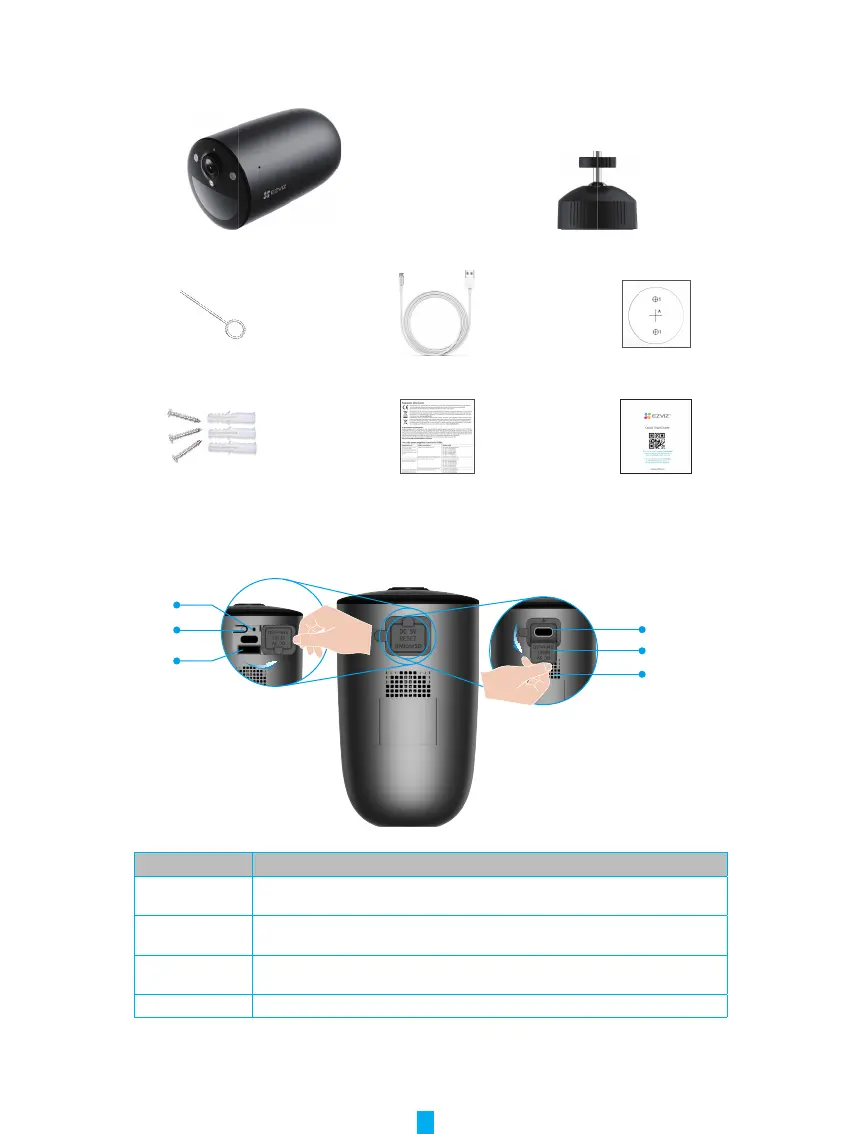
1� Package Contents
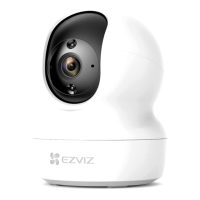
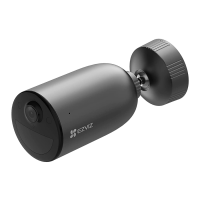
Camera (x1) Screw Base (x1)
Pin (x1) Power Cable (x1) Drill Template (x1)
Screw Kit (x1) Regulatory Information (x2) Quick Start Guide (x1)
2� Basics
RESET Hole
Micro SD Card Slot
Power Port
Power Port Silicone Cover
Loudspeaker
Power Button
Name Description
RESET Hole Insert the pin provided to the RESET hole for 4seconds to restart and set all
parameters to default.
Power Button • Power on: Press and hold for 2 seconds in shut-down state.
• Power off: Press and hold for 4 seconds to power off the camera .
Micro SD Card
(sold separately)
Initialize the card in the EZVIZ app before using it.
Recommended compatibility: Class 10, maximum space 512GB.
Power Port For charging the camera.


 To Next Page