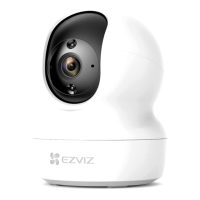
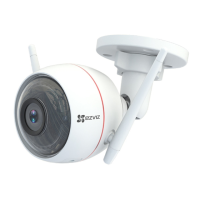
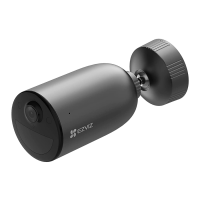
2
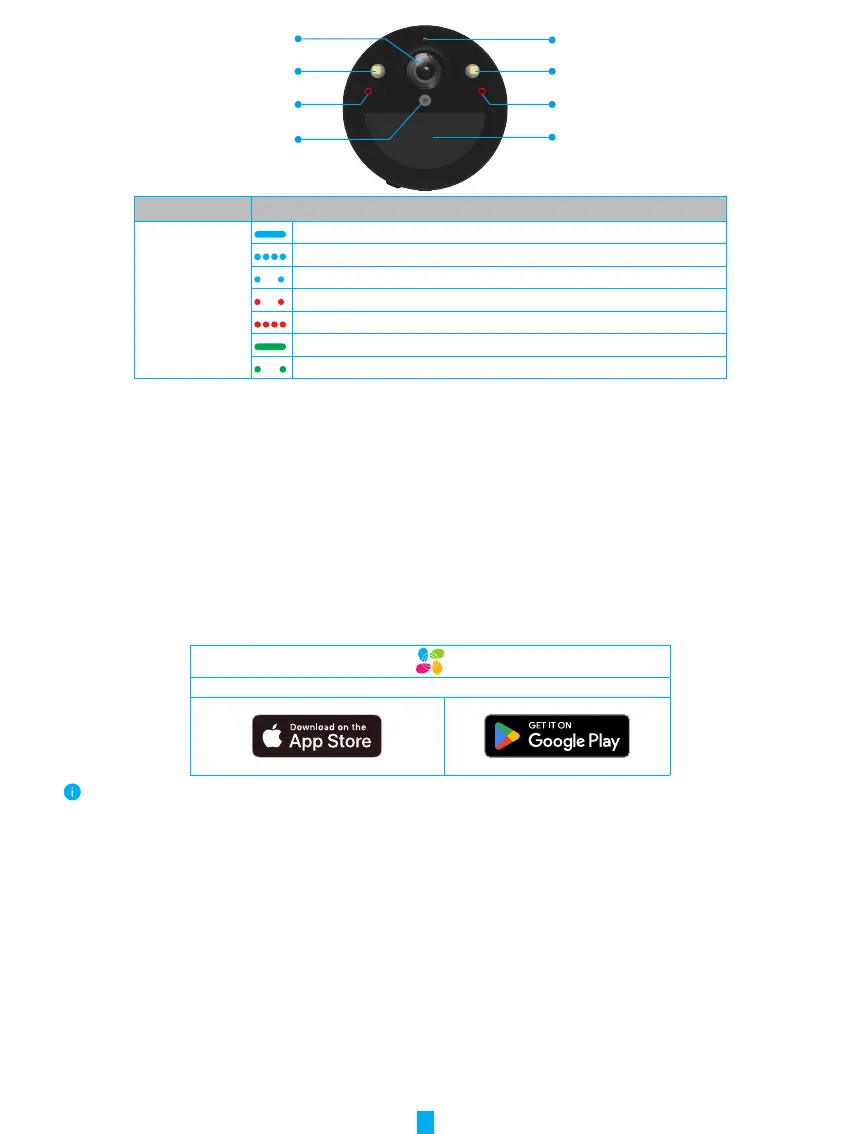
LED Indicator
Spotlight
IR Light
PIR
Lens
Photoresistor
Spotlight
IR Light
Name Description
LED Indicator Solid Blue:
Camera starting up or being live viewed in the EZVIZ app.
Fast-flashing Blue: Camera ready for Wi-Fi configuration.
Slow-Flashing Blue: Camera working properly.
Slow-flashing Red: Network exception.
Fast-flashing Red: Camera exception./ Battery low.
Solid Green: Camera fully charged.
Slow-flashing Green: Charging.
Setup
Follow the steps to set your camera:
1. Get the EZVIZ app, and log in to your EZVIZ app account.
2. Power on your camera.
3. Add your camera to your EZVIZ account.
1� Get the EZVIZ App
1. Connect your mobile phone to Wi-Fi (suggested).
2. Download and install the EZVIZ app by searching “EZVIZ” in the App Store or Google Play
TM
.
3. Launch the app and register an EZVIZ user account.
EZVIZ App
If you have already used the app, please make sure that it is the latest version. To find out if an update is available, go to the app store
and search for EZVIZ.


 To Next Page