6
5. If the memory card status displays as Uninitialized, tap to initialize it.
The status will then change to Normal and it can store videos.
3� Installation Steps
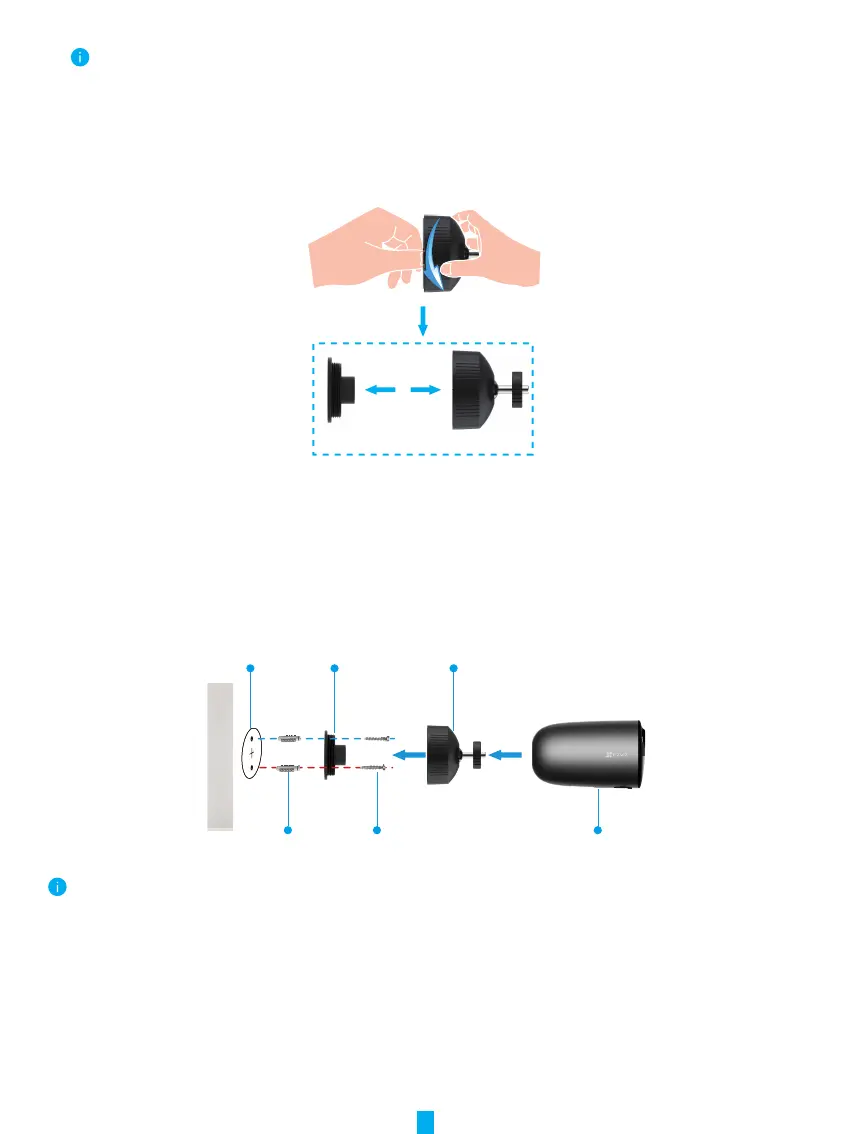
1. Please separate the mounting plate from the screw base rst.
Mounting Plate Screw Base
2. Remove the protective lm from the lens.
3. Place drill template onto a clean and at surface.
4. (For cement wall only) Drill screw holes according to the template, and insert anchors.
5. Use screws to x the mounting plate according to the template.
6. Rotate the screw base to the mounting plate.
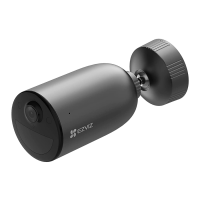
7. Mount the camera to the base.
Mounting Plate
Anchor
Drill Template
Screw
Screw Base
Camera
For a better image quality, please remove the protective film from the lens before using it.


 To Next Page