Introducing the IP Application Switch Platform
Platform Guide: 8400 and 8800 1 - 3
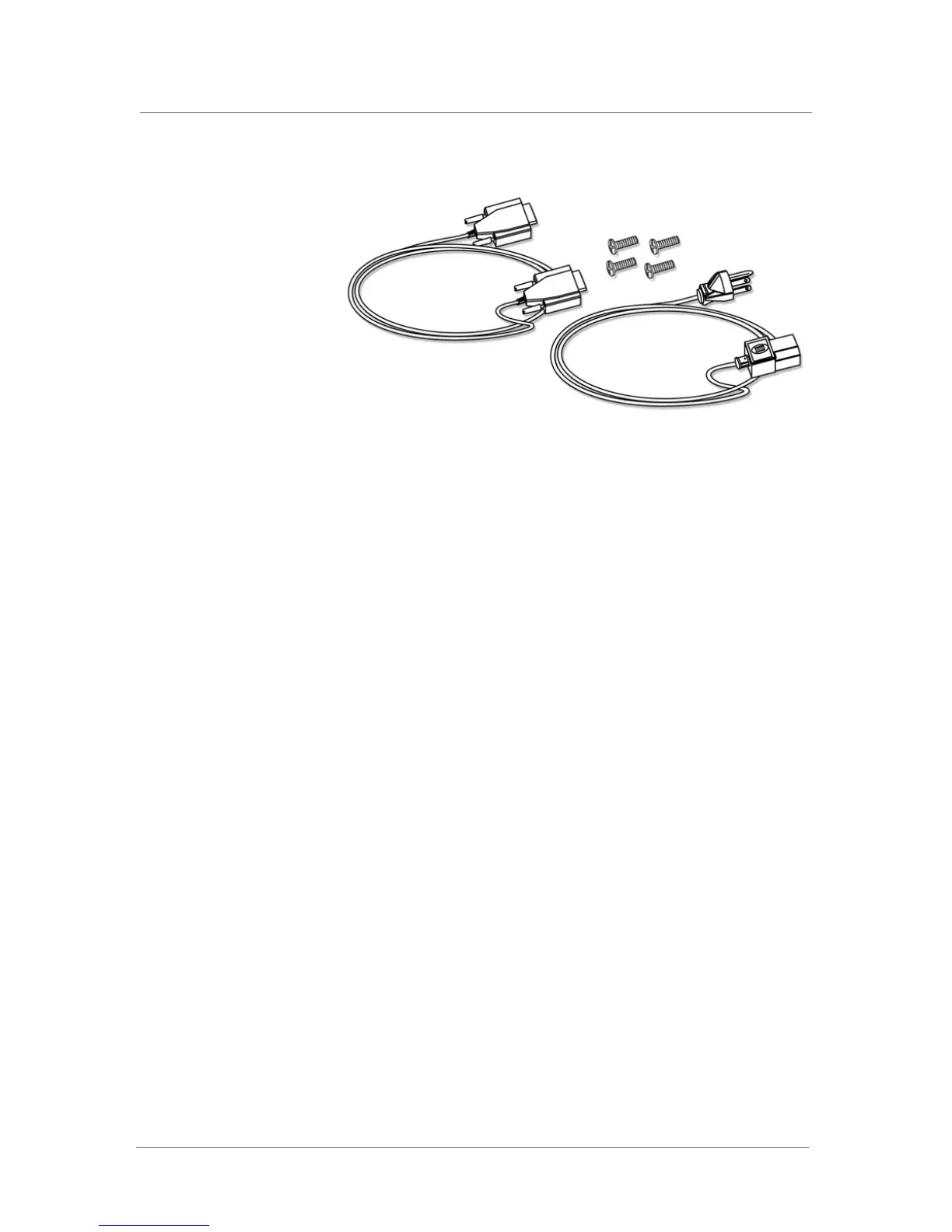
Figure 1.2 Components included with the IP Application Switch
Peripheral hardware that you provide
For each IP Application Switch in the system, the peripheral hardware you
provide is determined by the configuration you want to create:
◆ If you plan to use direct administrative access to the IP Application
Switch, you need standard input/output hardware. This requires a serial
terminal and a null modem cable.
◆ If you want to use the default IP Application Switch configuration, you
must have an administrative workstation on the same IP network as the
IP Application Switch.
◆ You also need network hubs, switches, or concentrators to connect to the
IP Application Switch network interfaces. The devices you select must
be compatible with the network interface cards installed in the IP
Application Switch. The devices can support 10/100 Ethernet or Gigabit
Ethernet.
• Ethernet requires either a 10 Mbps or 100 Mbps hub or switch.
• Gigabit Ethernet requires a compatible Gigabit Ethernet switch.
◆ You can use a USB drive compatible with the system for installing
upgrades and for system recovery. You can perform an upgrade or
system recovery with almost any non-CDRW USB drive. Even though
most USB CD-ROMS should work, we cannot guarantee compatibility
with all makes and models.
If you plan on doing remote administration from your own PC workstation
as most users do, we recommend that you have your workstation already in
place on the same subnet to which the management interface is connected.



 To Next Page