Chapter 2
2 - 4
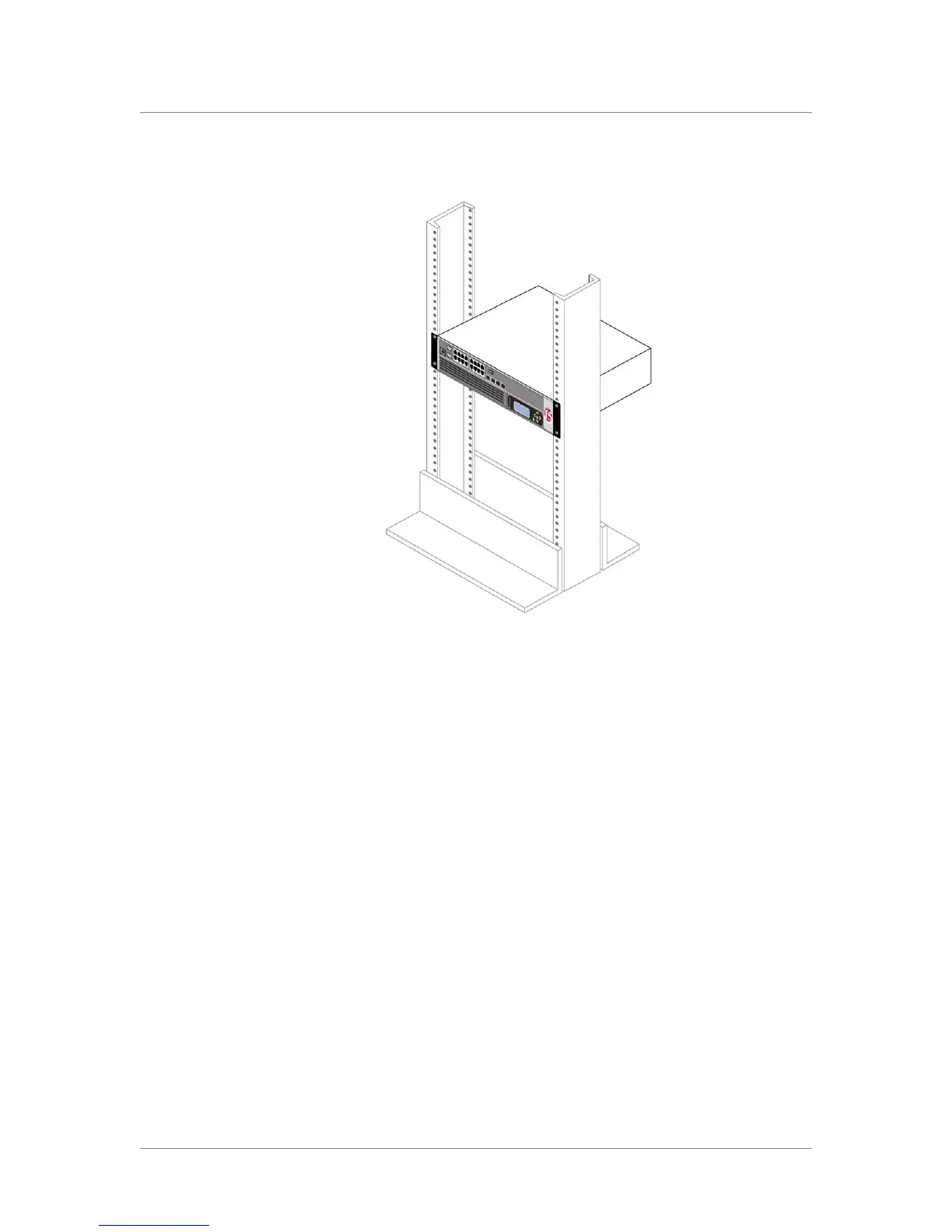
Figure 2.2 Platform installed in a 19" rack
Regardless of which mount type you install the unit into, you finish the
installation by connecting the cables and other hardware. This procedure is
described in Connecting the cables and other hardware, following.
Connecting the cables and other hardware
After you have installed the unit into the rack, you need to connect certain
cables and other hardware. To perform these tasks, use the following
procedure. Note that you use this procedure regardless of the type of mount
you installed (front mount or rail mount).
To connect the cables and hardware for input/output
1. Connect the hardware that you have chosen to use for input/output.
For details about connecting the system to a management
workstation or network, see Chapter 2, Connecting a Management
Workstation or Network, in Installation, Licensing, and Upgrades
for BIG-IP Systems.
• If you are using a serial terminal as the console, connect the serial
cable supplied by F5 Networks to the console port (number 2 in
Figure 1.3, on page 1-4).



 To Next Page