Installing an IP Application Switch Using an Optional Rail-Mount Kit
Platform Guide: 8400 and 8800 A - 5
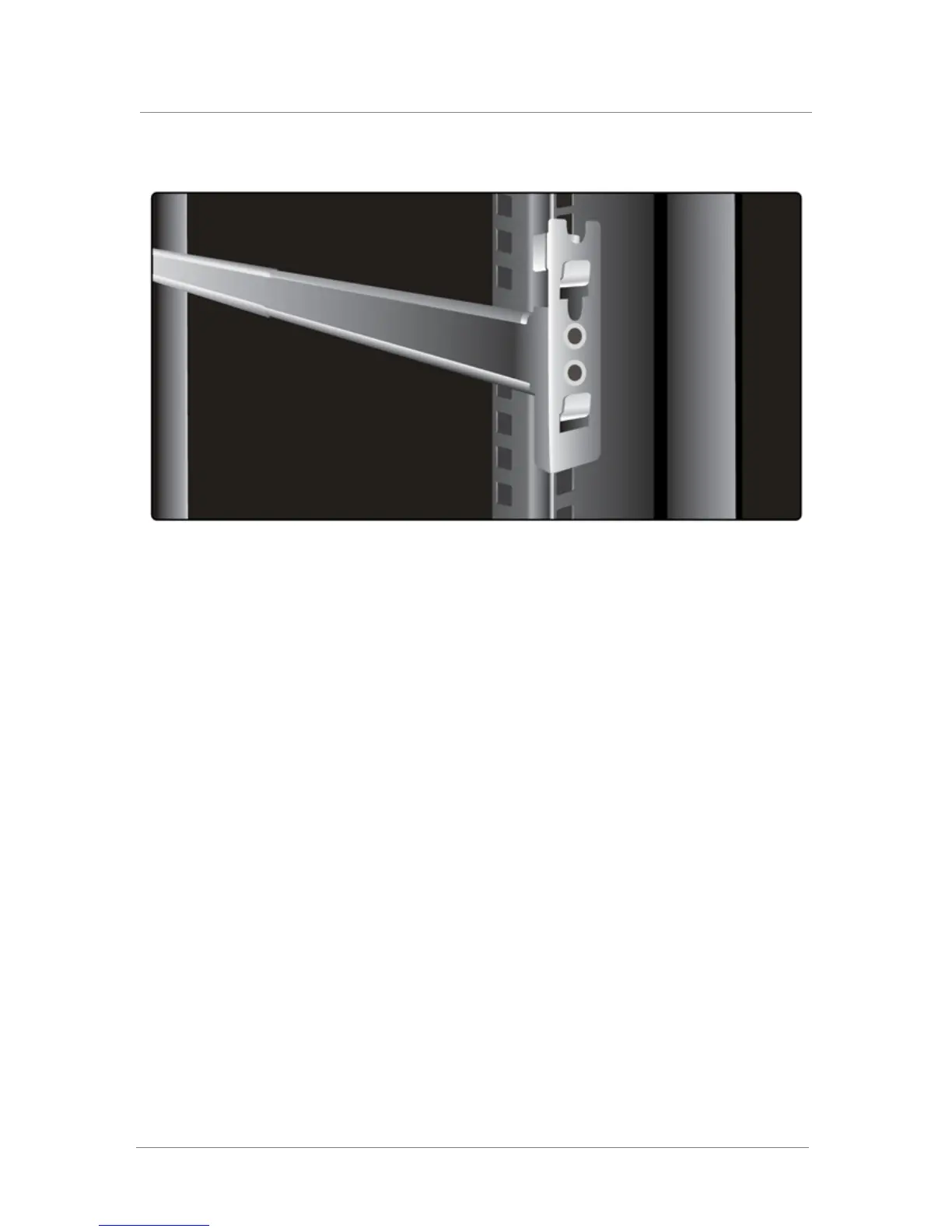
Figure A.5 Outer rail with attached bracket installed
Once the inner and outer rails are installed, you can easily install the unit
into the rack.
Installing the unit into a rail-mount rack
Use the following procedure to install the unit into the rail-mount rack.
To install the unit into the rack
1. Slide the unit into the rack, fitting the inner rails of the unit to the
outer rails of the rack.
2. On each side of the unit, screw a nut into the stop that you installed
on the unit.
Connecting cables and other hardware
After you have installed the unit into the rack, you need to connect certain
cables and other hardware. For more information, see Connecting the cables
and other hardware, on page 2-4.



 To Next Page