Chapter 5
5 - 4
4. Slide the new power supply into the power supply slot.
The power supply is connected to the system when you slide it
completely into the chassis.
5. Tighten the knurled fasteners into place by turning them clockwise.
6. Close the front panel of the unit.
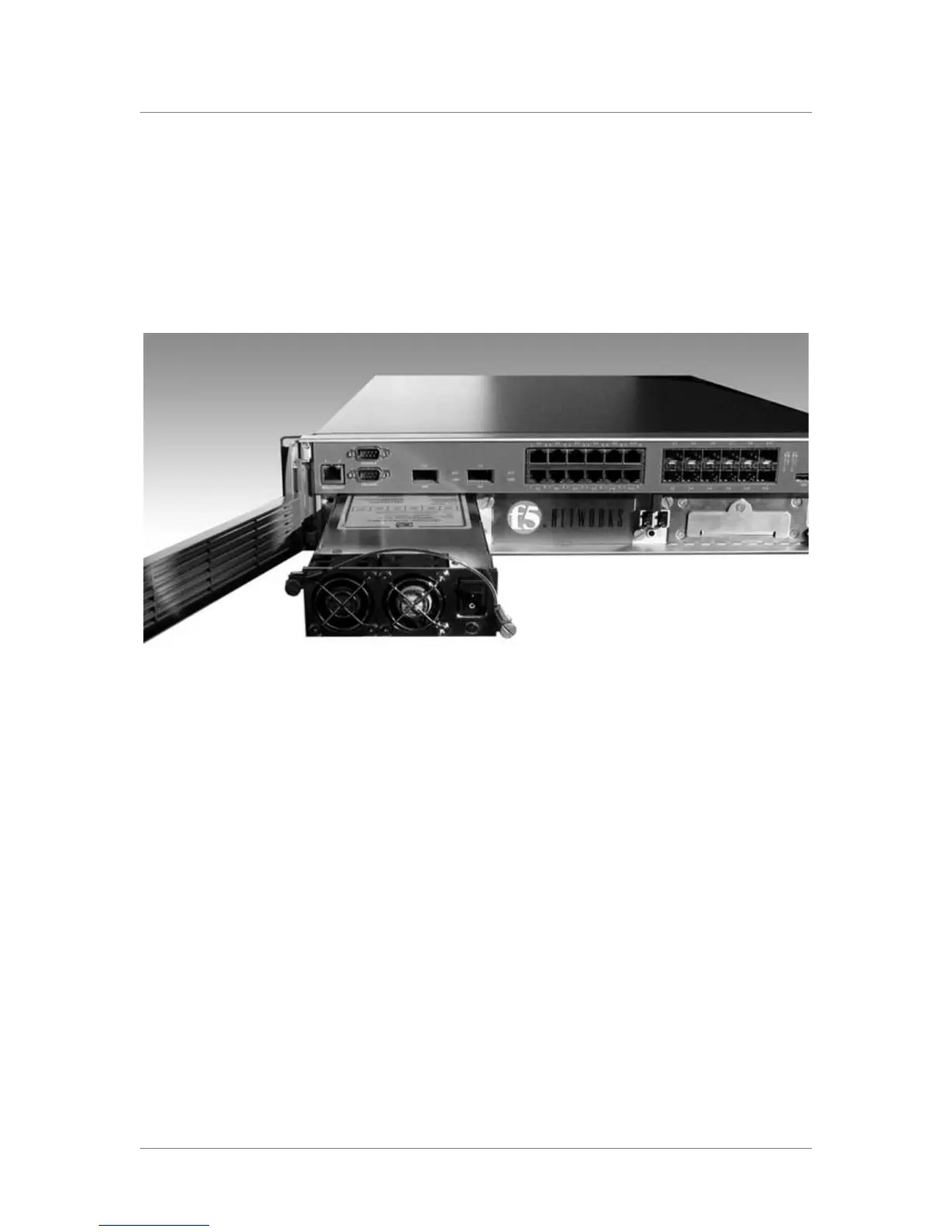
Figure 5.2 The power supply
Figure 5.2 shows an example of the power supply partially removed from
the BIG-IP system.



 To Next Page