9
CONTROL PANEL
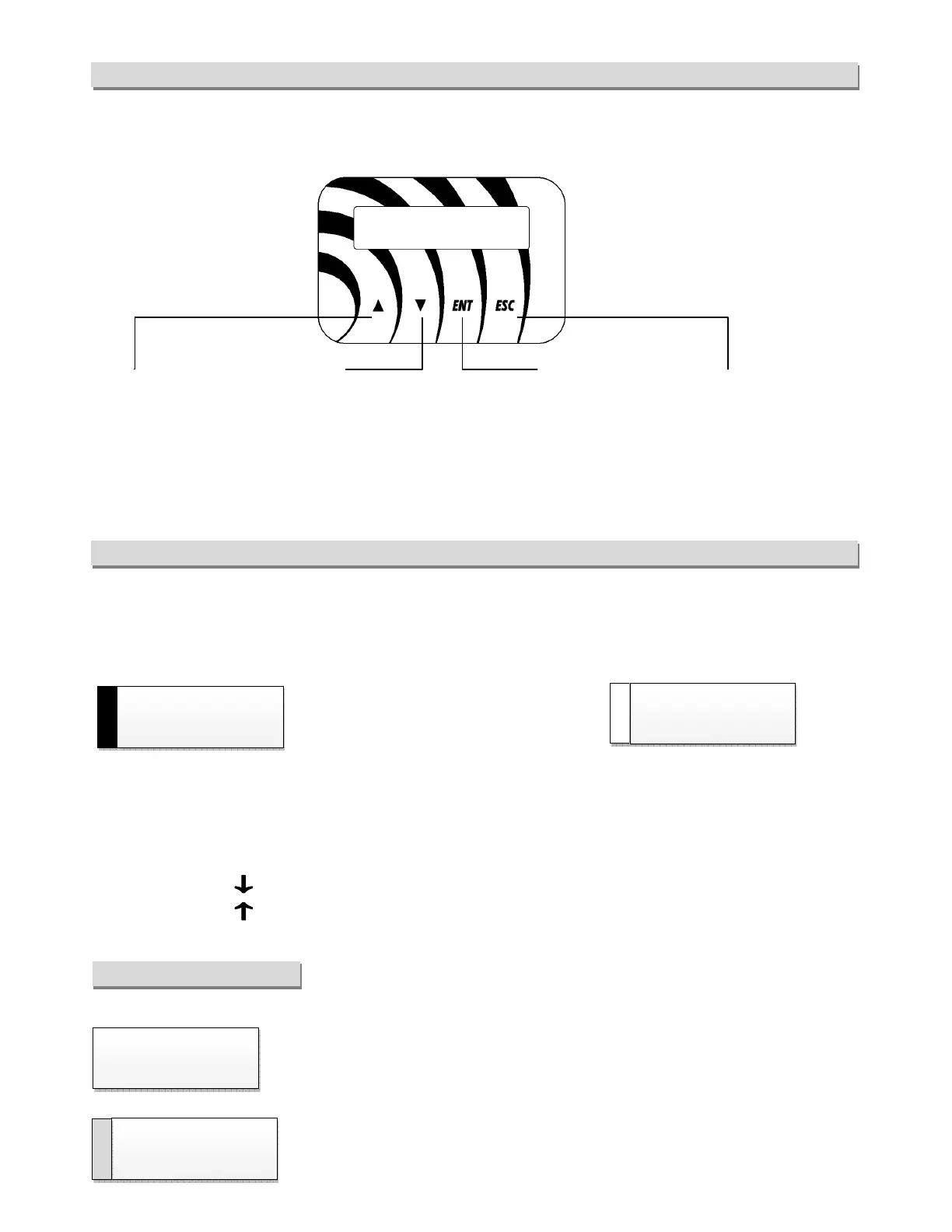
The control panel visualizes in real time the inputs and outputs of the adjuster and allows to set the parameters. It
is provided with a back-illuminated LCD/OLED display and with four keys described below.
STATE MENU
After the device is powered the display visualizes the firmware versions of the adjuster and the keyboard. Then, if
no error occurs, appears the first state window which visualizes the temperature or the pressure registered by
input 1:
RUN in operating state
FLT in block state
RDY if in Stop state
The cycle used for the adjusting is visualized at the right bottom: CO (COOL) or HEA (HEAT) followed by the
number 1 or 2 for first or second cycle.
In this mode:
• Press the key to slide the state menu downward;
• Press the key to slide the state menu upward.
STATE WINDOW BOXES
Defines the output voltage/speed. The percentage value refers from 0 to 98% of power
voltage.
INPUT 1 : Defines the percentage of the IN1 input among the following possible
signals: 0..10V=, 4..20mA, pwm (100Hz type with variable average value).
visualization / decreases a
parameter
visualization /
increases a parameter
parameters / confirms the
variation of a parameter
Escapes from the menu and
the parameters / cancels a
variation of parameter
CHILLER
SLAVE



 To Next Page