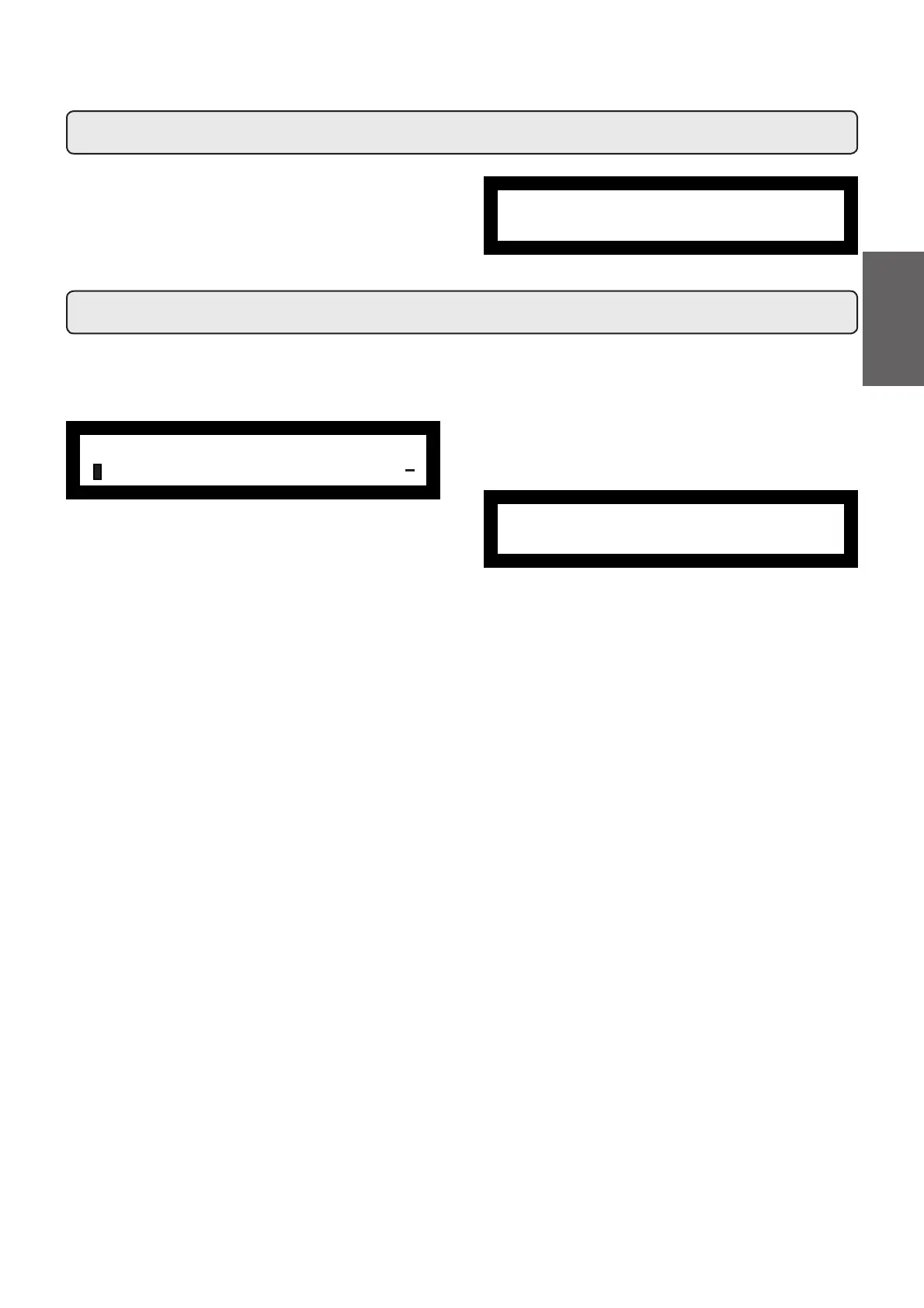
Use the “+” (34) and “-” (35) keys to adjust the clock.
The time increases (or decreases) one minute each time the
key is pressed.
The time changing speed increases if one of the keys (34 or
35) is kept depressed.
22. Clock adjustment
23. How to access the programming mode
N.B. ONLY if the item “Customer Progr.” is set on “YES".
To access programming press the PROG (32) key; the following
message will appear on the display:
Press one of the dispensing keys on the selection panel; the
relative led will remain on.
Use the “+” (34) and “-“ (35) keys to position the cursor on the
desired line, then press the PROG (32) key.
Always use the "+" (34) and "-" (35) keys to change the setting;
FRQ¿UPWKHFKDQJHVPDGHE\SUHVVLQJWKH key.
Note: when modifying data, the cursor changes to " Æ".
If the "Customer Progr." is set to "NO", the following message
will appear on the display:
CUSTOMER PROG.
NOT ENABLED!
ÀCUSTOMER PROG.
KEY MENU
+
fryday 09:20
Boiler P. 1.1bar
59
English



 To Next Page