25. Counter display and zeroing
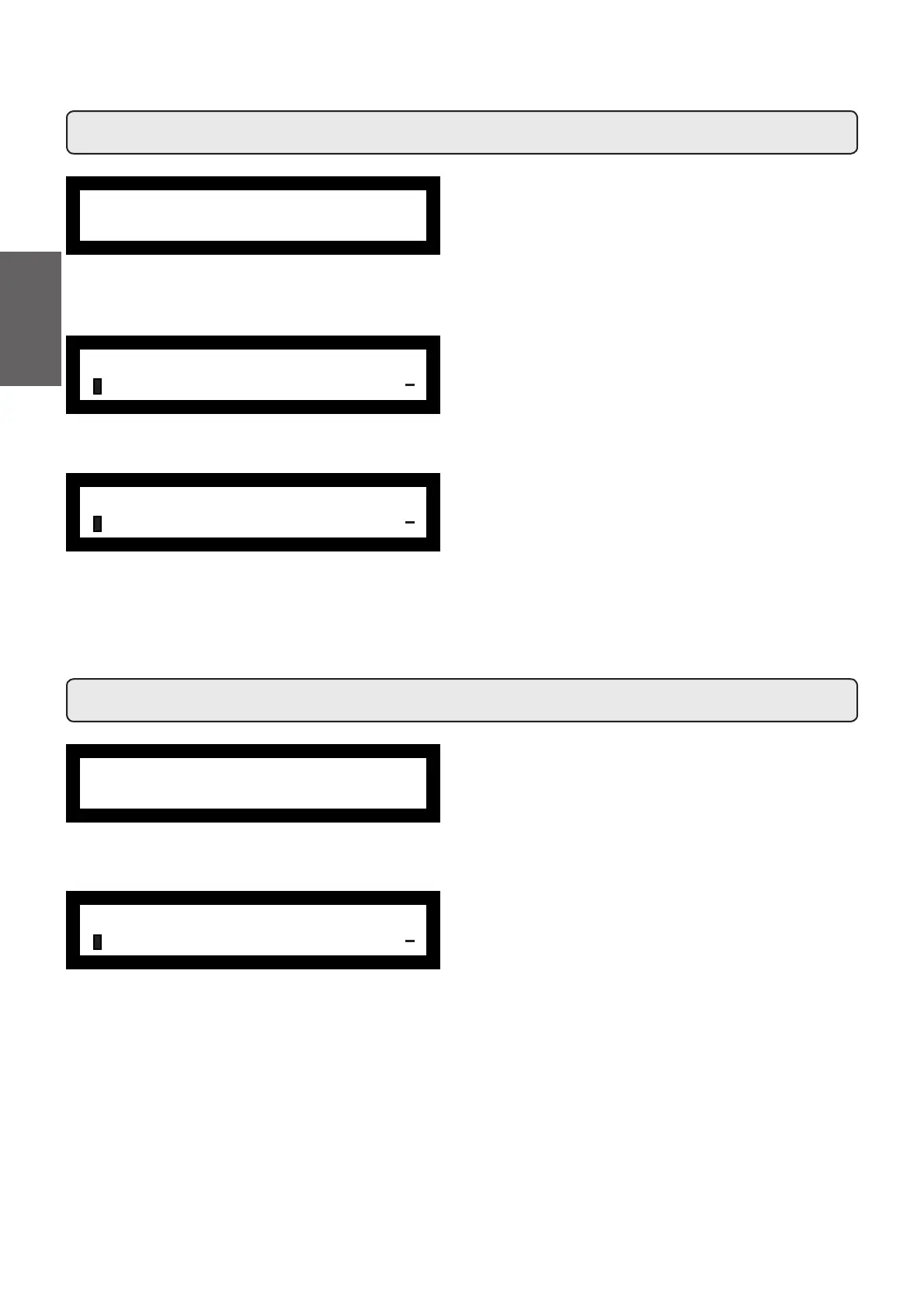
To access "Counters" menu, press the PROG key (32) and
then the key "-" (35) until the message shown below will appear
on the display:
Pressing the PROG key (32), the following message will ap-
pear on the display:
Parameters calculated are:
- N. coffee (number of coffee beverages)
- N. milk (number of milk beverages)
- N. water (number of times water is dispensed)
ÀCUSTOMER PROG.
COUNTERS
+
ÀCOUNTERS
N° coffee GR1 25
+
fryday 09:20
Boiler P. 1.1bar
26. Language selection
fryday 09:20
Boiler P. 1.1bar
To access "Language" menu, press the PROG key (32) and
then the key "-" (35) until the message shown below will appear
on the display:
Press the PROG (32) key; position the cursor on the desired
language by pressing the "+" (34) and "-" (35) keys and then
pressing the PROG (32) key. The machine will restart with the
messages provided in the selected language.
The display (14) provides a choice of the following
languages.:
Italian, English, French, German, Dutch, Spanish, Portuguese
and Japanese.
ÀCUSTOMER PROG.
LANGUAGE
+
- N. steam (number of times steam is dispensed using the
steam button)
- N. steam TS (number of times steam is dispensed using
the autosteam function)
- N. steam + air TS (number of times steam and air are
dispensed using the autosteam function)
- N. tot coffee (total number of coffee beverages).
Counters can be zeroed by aligning the cursor on the selected
entry, pressing the PROG (32) key, and then pressing the ‘+”
(34) or “-“ (35) key.
Press the (33NH\WRFRQ¿UP]HURLQJ
The "N. coffee" entry appears for as many times as there are
machine groups.
Note: Parameters that cannot be zeroed are:
- N. tot coffee
Press the (33) key to return to the main menu.
66
English



 To Next Page