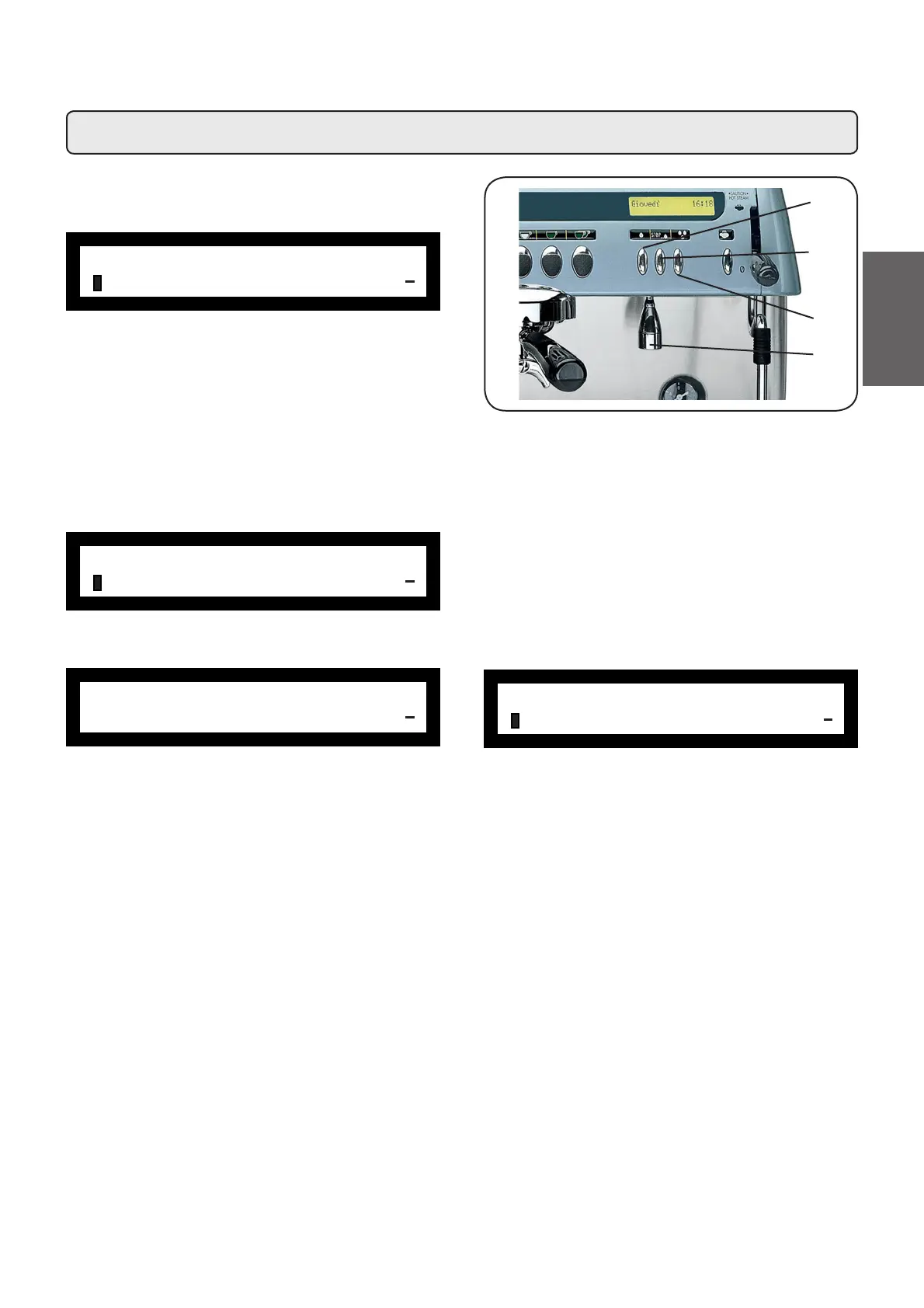
23.4 Programming the hot water distribution keys
Press one of the hot water distribution keys (13a - 13c).
The related LED remains on and does not blink. The display
appears as follows:
The following hot water selection parameters can be modi-
¿HG
- water dispensing time (from 0 to 60, with increments of
0.1 seconds).
Programming measures using the “SELF-LEARNING”
function
To memorize the programming of the hot water dose, follow
the procedure herebelow:
1)
Place a container by the hot water distribution nozzle (10).
2) Press the “+” (34) key; the following message will appear
on the display:
3) Press the PROG (32) key; the following message will
appear on the display:
ÀKEY MENU
Type dosed
+
ÀKEY MENU
dispens. time 05.0s
+
ÀKEY MENU
dispens. time 05.0s
+
Æ
.HHSWKHGLVWULEXWRUNH\SUHVVHGDVHYLGHQFHGE\WKH
ÀDVKLQJOHGWKHKRWZDWHUGRVHFRXQWHUVWDUWVIURP]HUR
and increases in value).
5) When the quantity of water in the container has reached
the desired level, release the key (the counter will indicate
the time that corresponds to the set dose).
It is possible to vary the set dose via the “+” (34) and “-” (35)
keys (the time of the water distribution can also be increased
or decreased).
When the key (33) is pressed, the following message
is again displayed:
ÀKEY MENU
dispens. time 05.0s
+
10
13c
13b
13a
63
English



 To Next Page