FagronLab™ BASIC – User Manual | 19
FagronLab™ BASIC
• Push the minus button for two seconds and the start screen will automatically appear
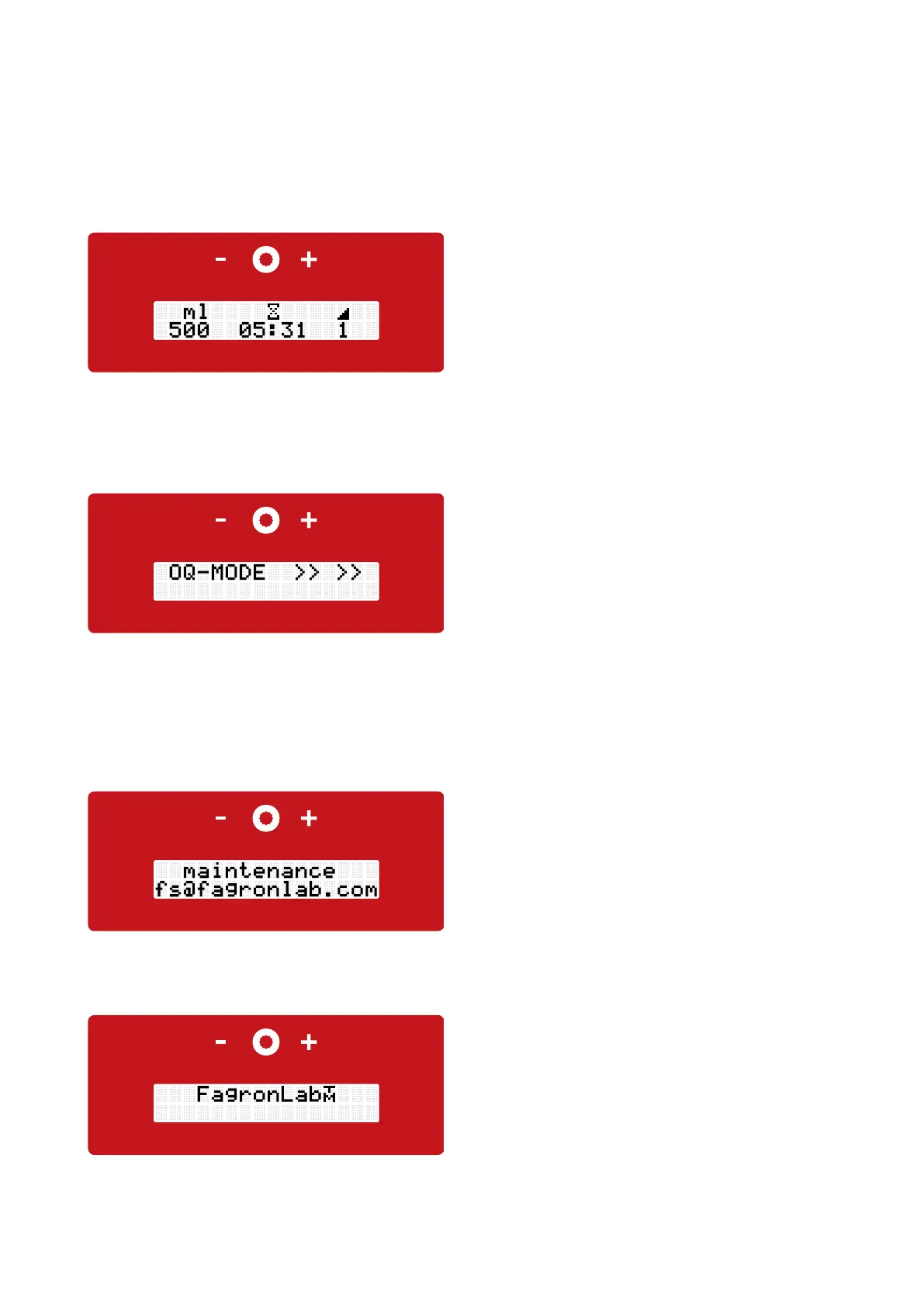
Skip the IQ - Mode
Pic.: Display OQ-Mode
Pic.: Display maintenance
• After 1000 preparations upon start the request
to perform a functional test appears - Operation
Qualification (OQ)
• We recommend to perform the functional test always
after 1000 preparations to prove and record the proper
functioning of the FagronLab™ device. This is the only
way to ensure the expected mixing results are not
aected by malfunctions caused by constantly usage
• After 1500 preparations we recommend a maintenance
performed by our technical service
After 1000 preparations
After 1500 preparations
of the FagronLab™ device. If a repeated OQ test is not wanted, it is possible to jump to the start display by pushing the
minus button for two seconds
• If desired, the OQ functional test can be performed at any time by pushing the "+" and "-" button simultaneously for two
seconds
Compounding with the FagronLab™ BASIC
• The touch panel is on the front of the FagronLab™ BASIC,
with a minus button (left), the compounding button (middle)
and a plus button (right)
Pic.: Display FagronLab™ BASIC
Pic.: Start screen
• The device transfers to the start screen
OK


 To Next Page