12
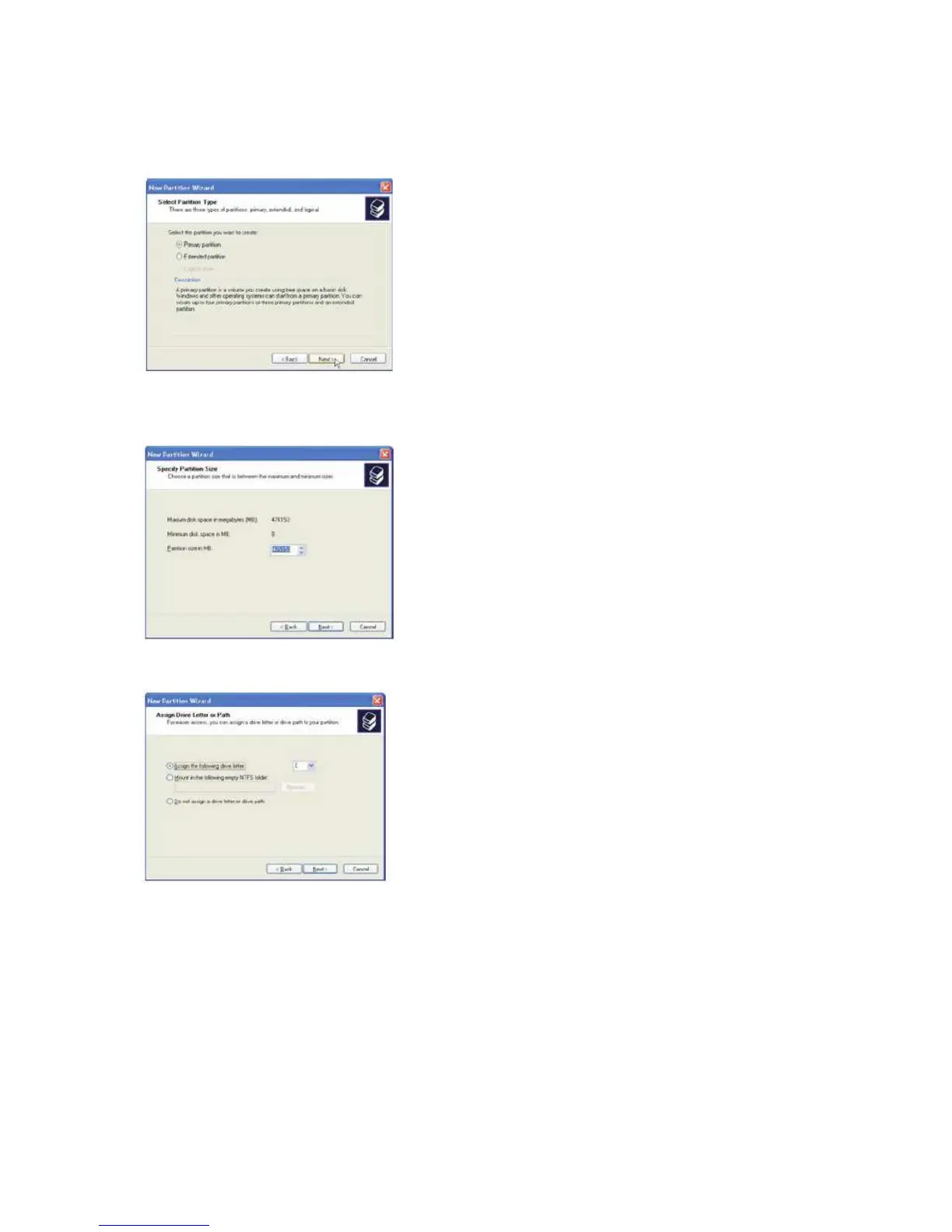
5. Select the Primary or Extended option and click Next.
6. Specify the partition size. By default, the partition occupies the entire volume.
Click Next.
7. Assign a drive letter or mount path and click Next.
8. Name and format the partition and click .
9. Review the file system settings and click to create the logical partition.



 To Next Page