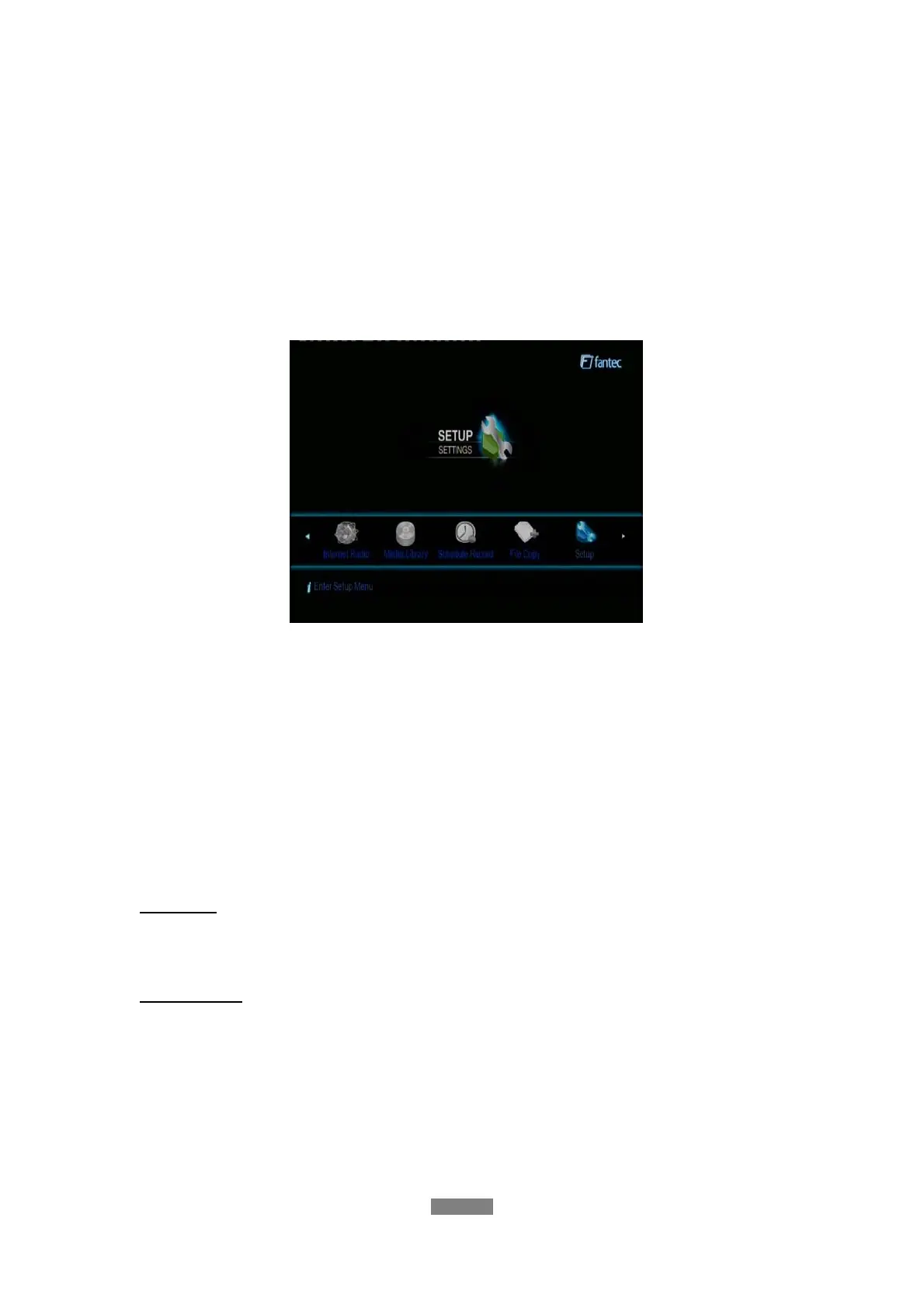
3. Setup Menu
The Setup menu allows you to personalize and configure the preferences for your player.
To select a Setup option:
- Select the Setup icon on the home screen, or press the SETUP button on the remote
control.
- Use the LEFT/RIGHT navigational buttons to select an option, and then press ENTER.
There are seven Setup options, including TV, Audio, Video, REC, Network, System, and
MISC. Use the UP/DOWN navigational buttons to select a menu. Press ENTER to confirm.
Press RETURN to cancel and display the previous menu screen.
3.1 Changing TV Settings
Press the left / right button on the remote control to select the TV tab from the menu bar.
TV Region
- Select to set the region for Digital Terrestrial TV
Channel Scan
- Select to scan for available Digital Terrestrial TV channels
ENGLISH
19 / 79



 To Next Page