Note:
• Make sure your player and your computer are on the same local area network and subnet.
• Firewalls may prevent your player to communicating with your computer. Please open the
ports manually and add your player to the ‘trusted’ list, or disable the firewall temporarily.
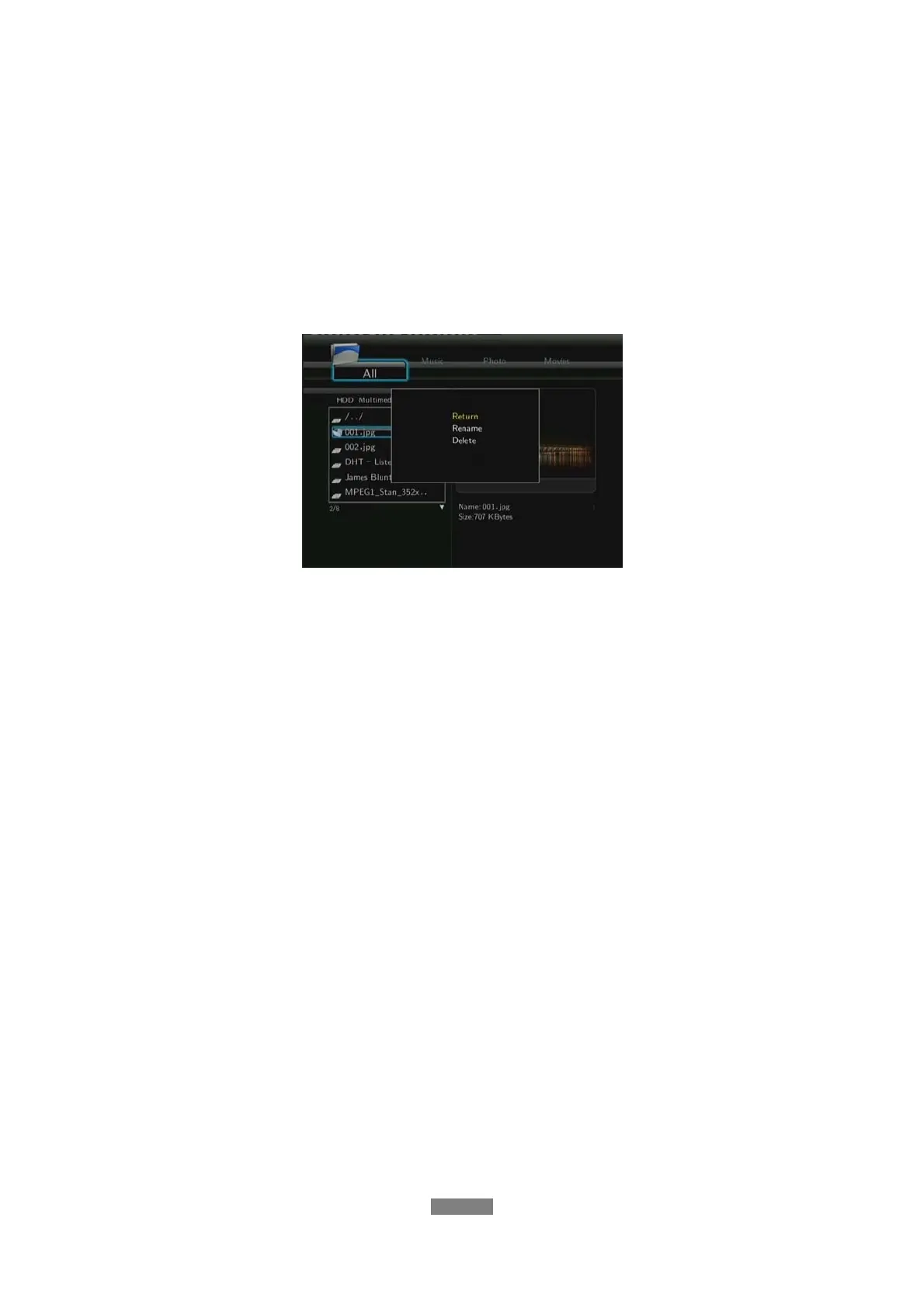
7.7 Renaming / Deleting Files
When navigating in the browser menu, you can press the MENU button to activate a popup
menu where you can rename and delete files or folders.
Press the UP / DOWN buttons to select from Return, Rename, and Delete. And press ENTER
to confirm.
7.8 Managing the Playlist
This player supports the playlist function, which allows you to add your favorite contents on
local HDD to the playlists (All, Music, Photos, and Movies), and enjoy them at any time.
7.8.1 Adding files to the playlist
Select the favorite file you wish to add, press the RED button, and the file will be ticked. Press
the GREEN button to confirm, and then an on-screen message ‘Add selects to list’ will be
shown. Multiple selections are allowed. See photo below.
ENGLISH
48 / 79



 To Next Page