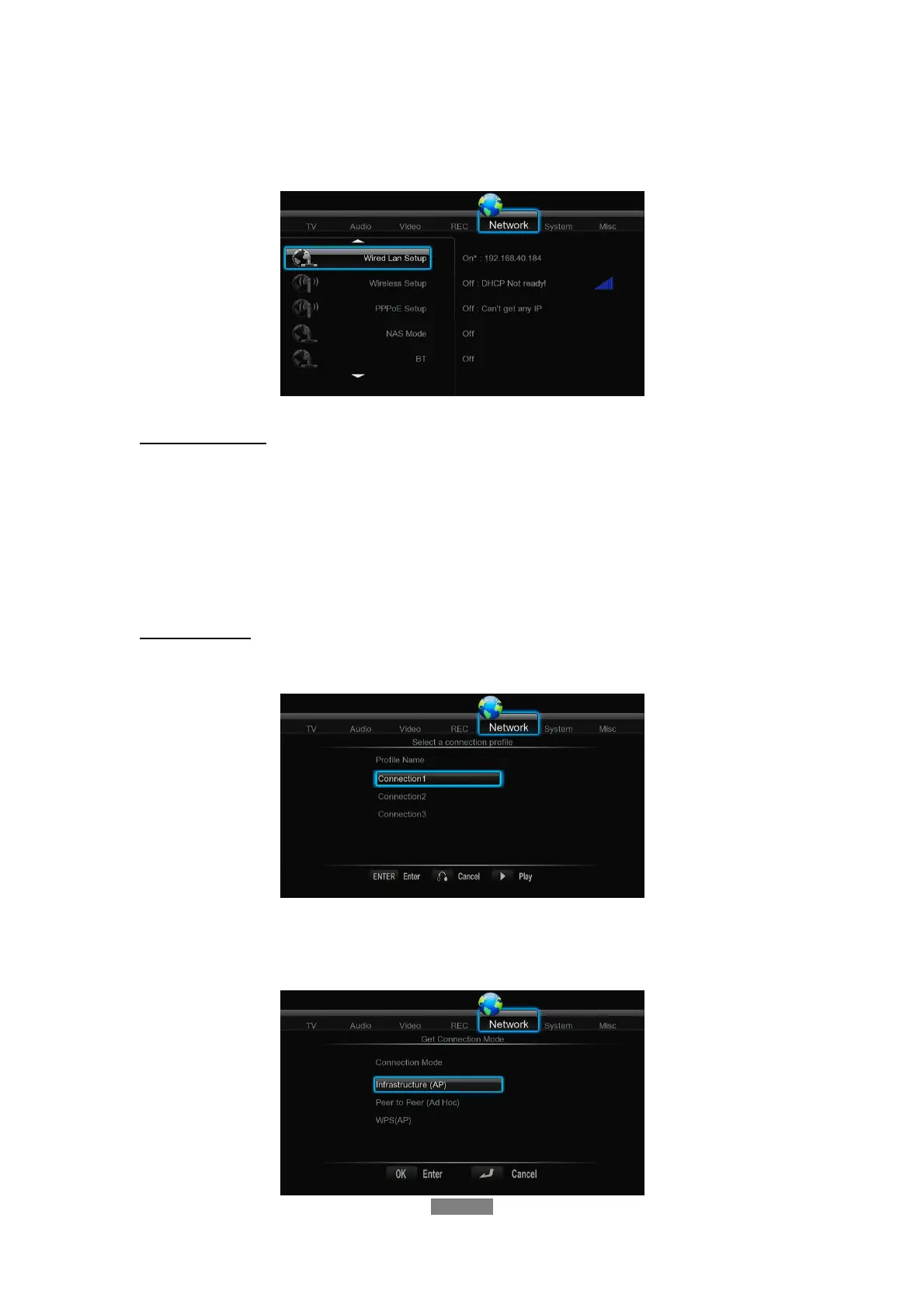
3.5 Changing Network Settings
Use this menu to configure Ethernet and WLAN (Wireless Local Area Network) settings.
Wired LAN Setup
- DHCP IP (AUTO)
Select to obtain IP address automatically.
- FIX IP (MANUAL)
Select to manually input the IP Address, Subnet Mask, Default Gateway, and DNS Server
IP Address.
Wireless Setup
- Selecting a connection profile
This player can store up to three wireless network connections. Press ENTER to go to
next step, press RETURN to cancel, and press PLAY to connect.
- Get Connection Mode
ENGLISH
24 / 79



 To Next Page