DVD Auto Play
- Enable or disable auto play function from an external USB DVD drive.
Angle Mark
- Select to display or hide the DVD angle mark during DVD playback.
HDD Format
- Select to format the built-in HDD.
Note: Please take care that all data on the hard disk will be removed after formatting.
System Info
- Select to view system information (firmware version, HDD info, Mac address, etc.)
Restore Default
- Select to restore factory defaults.
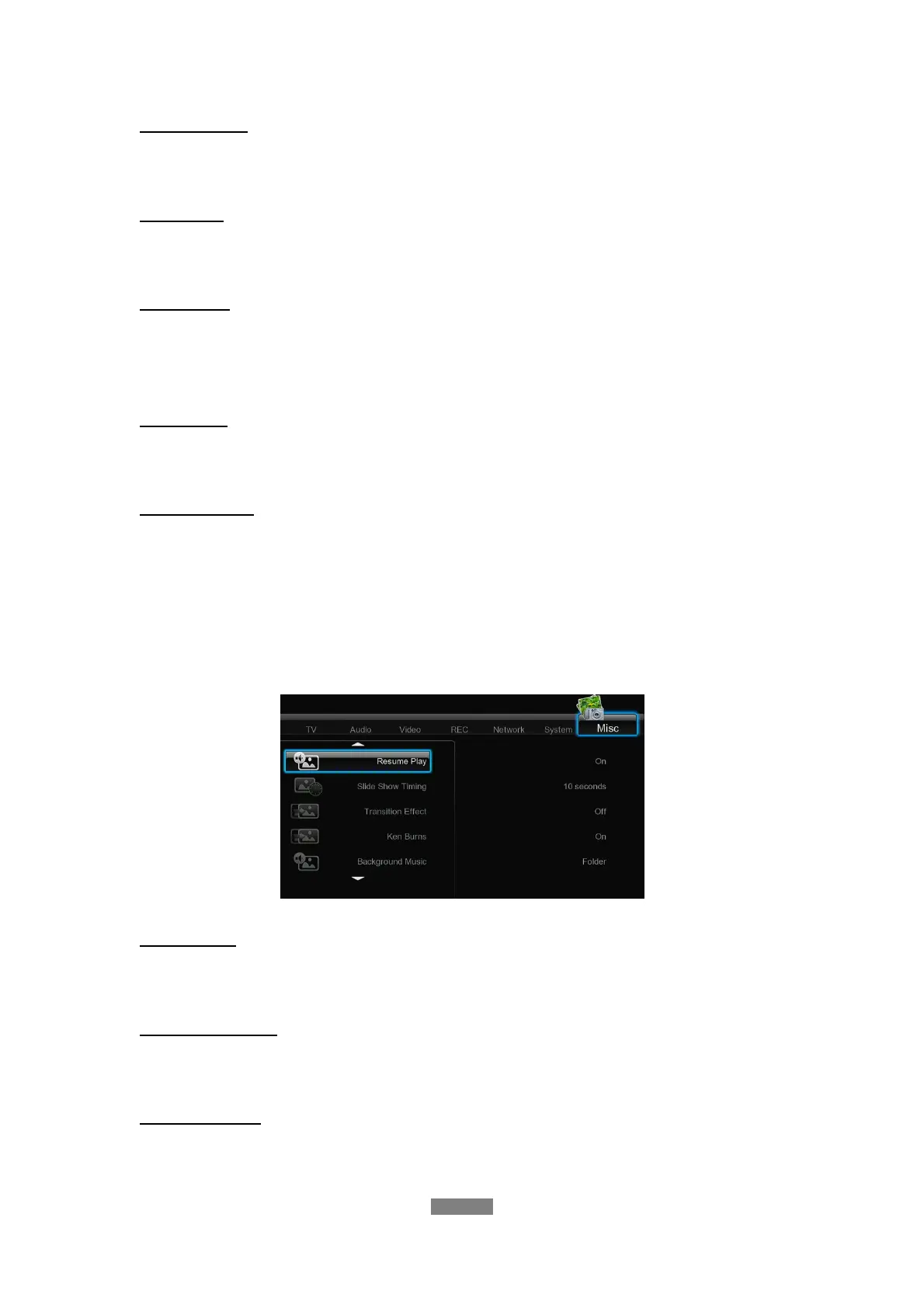
3.7 Miscellaneous
Use this menu to adjust miscellaneous settings.
Resume Play
- Select to turn on / off resume playback (auto-bookmarking) feature for movies.
Slide Show Timing
- Select to set the interval time for photo slide show.
Transition Effect
- Select to set the transition effect for photo slide show.
ENGLISH
31 / 79



 To Next Page