4. DTV Menu
In this menu, you can watch and record Digital Terrestrial TV programs, or have the time shift
function. To enter the DVB-T TV mode, select the DTV icon on the main menu.
The following are some functional buttons on the remote control available when watching
Digital TV programs.
Name Function
enter
Press to view the program list menu.
up / down
Press to switch channels. (Channels cannot be switched in the
recording mode.)
numeric buttons Press to input channel numbers. Press the enter button to confirm.
REC
Press to start recording the current TV program.
time shift
Press to activate the time shift function.
subtitle
Press to activate the subtitle list menu if available.
EPG
Press to activate the EPG menu if available.
TTX
Press to activate the Teletext menu if available.
Zoom
Press to zoom out the image.
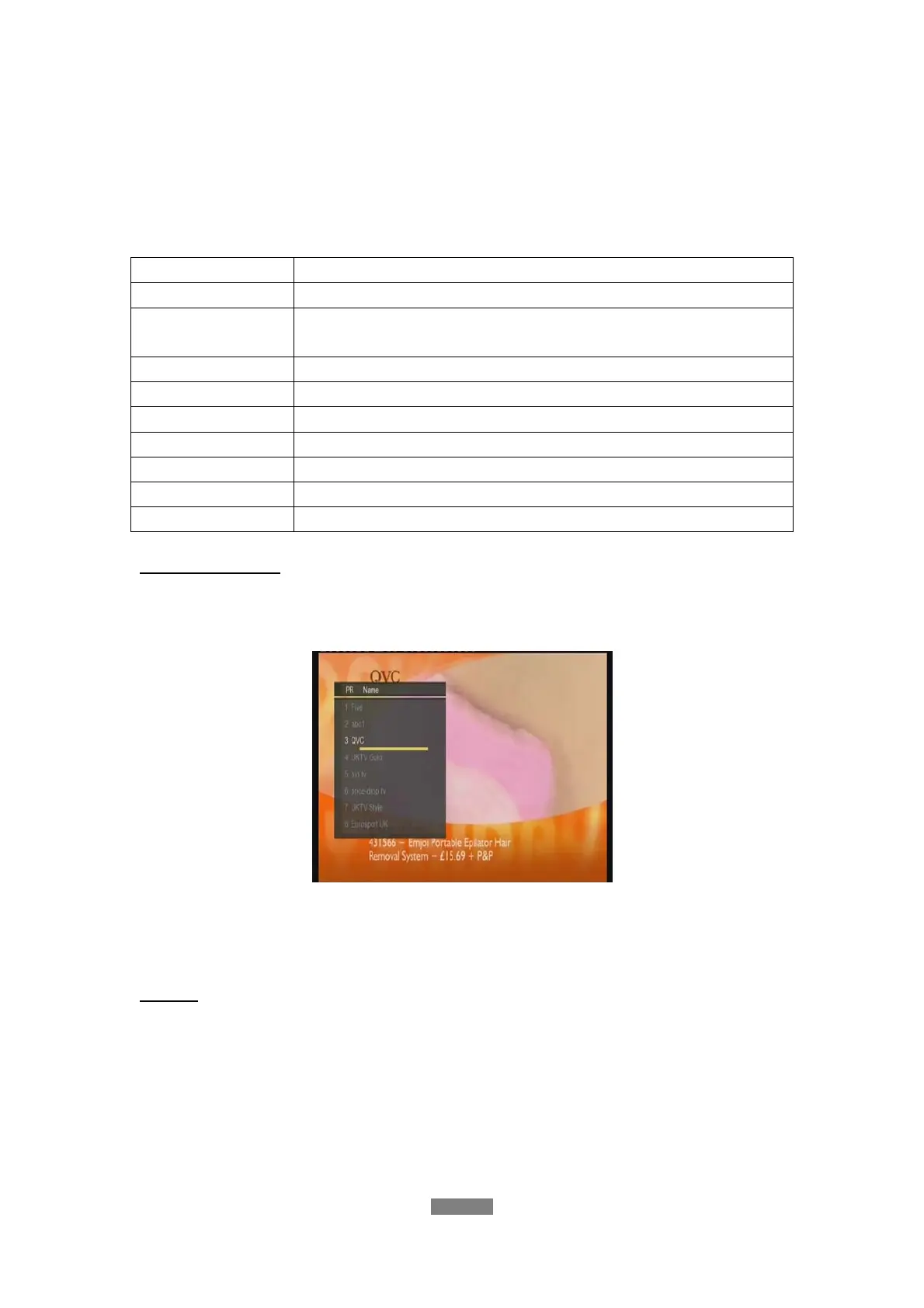
Program List Menu
Press the enter button when watching DVB-T TV programs, and the program list menu where
you can see the program number and name will be displayed.
All the TV and Radio programs will be listed on this list. Press the up / down button to select
channels, and press the enter button to confirm. Press the prev / next button to page up
/down.
Info Bar
While switching channels by the up / down button, an info bar will be displayed to show the
channel information.
ENGLISH
34 / 79



 To Next Page