In this menu, you can edit the Name, and sequence for the DVB-T TV channels. Use the
navigational buttons to select and modify the settings, and press the enter button to confirm.
You can also press the “blue” button to select Sort.
Logical Channel Number
- Select to turn on/off logical channel number.
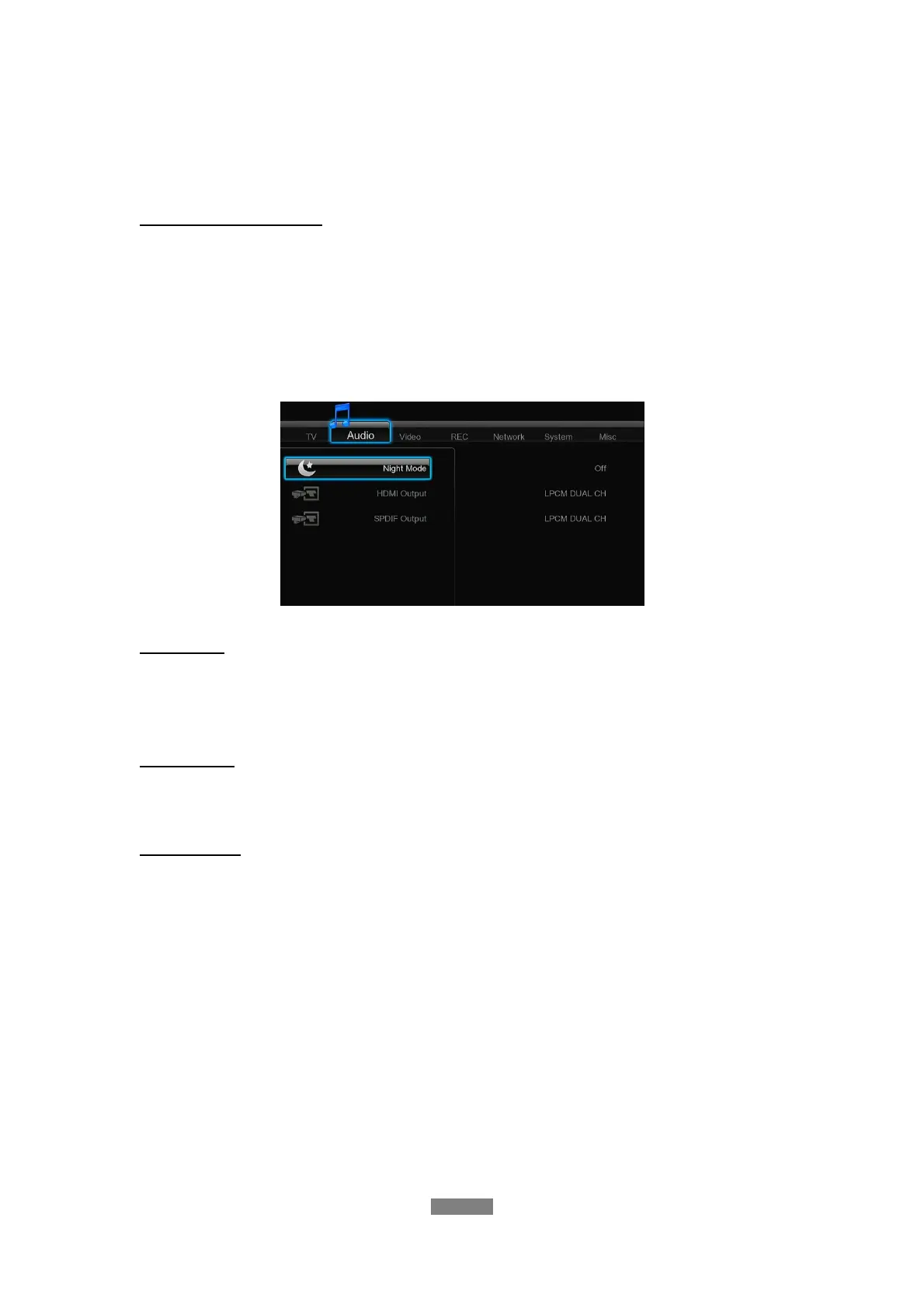
3.2 Changing Audio Settings
Use this menu to configure audio settings.
Night Mode
- Choose between Off / On / Comfort. If the option is turned on, the audio output volume
will be decreased to make you more comfortable.
HDMI Output
- Choose among LPCM Dual CH, LPCM Multi CH and Passthrough.
SPDIF Output
- Choose among LPCM Dual CH and Passthrough.
Note: In raw mode, Dolby Digital, DTS sound can be by passed to the HDMI TV or Digital
amplifier.
Due to the bandwidth requirement, Dolby Digital Plus sound and Dolby TrueHD only can be by
passed through HDMI cable.
ENGLISH
21 / 79



 To Next Page