Auto Detect Encoding
- Detect UTF-8 and GBK encoding automatically.
System Update
- Select Extension Package Upgrade to update extension files for BT download and
SAMBA services.
- Select system upgrade to update the firmware via a USB stick.
1) Copy ‘install.img’ to the root directory of a USB stick, and connect it to the USB HOST
port of the player.
2) Press ENTER to confirm.
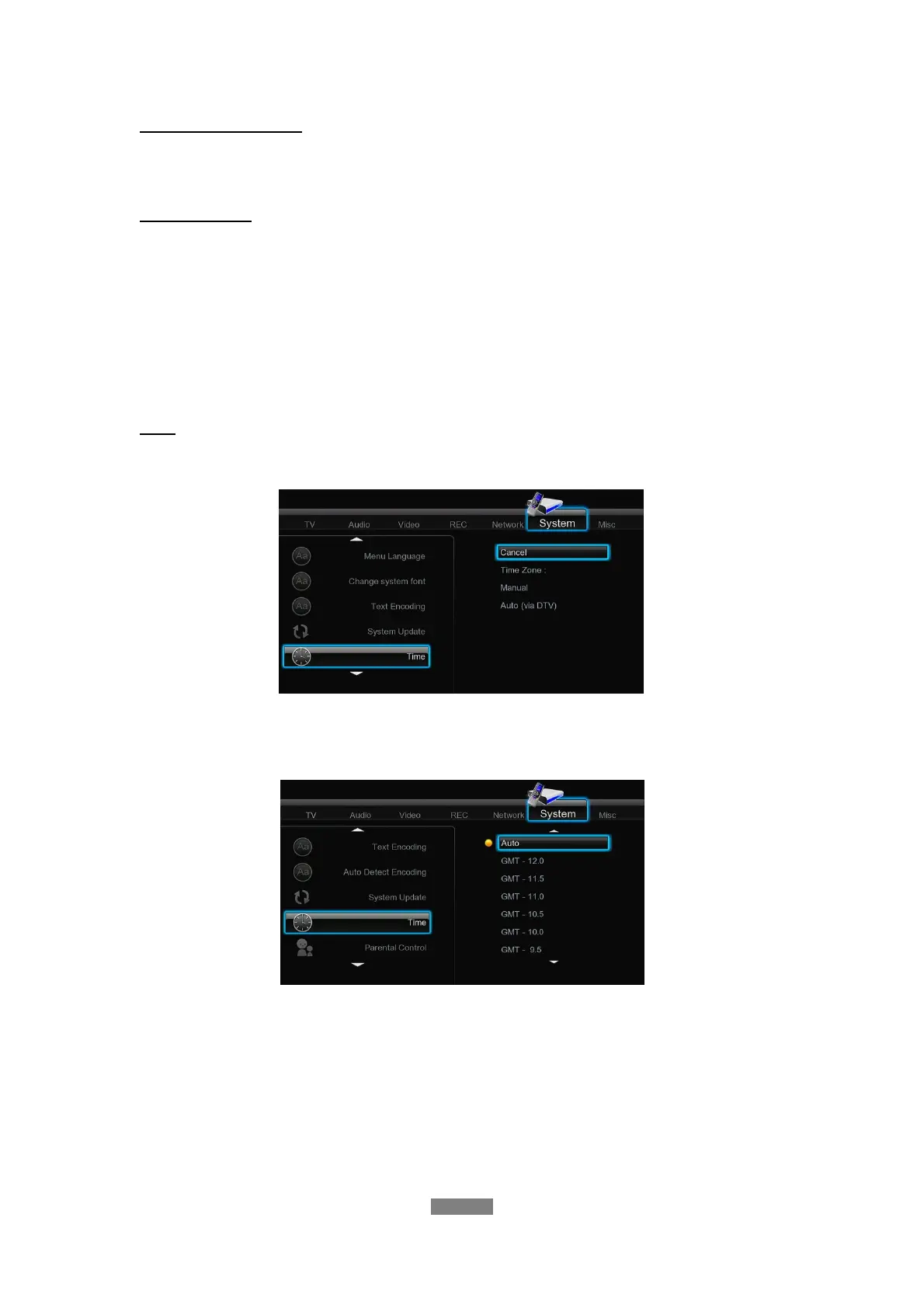
Time
- Select to set the system time.
Press the up / down button to setup the time zone and set system time manually or via DTV or
internet. Press the enter button to confirm.
Time Zone
Select the correct time zone before setting time to get correct system time.
ENGLISH
29 / 79



 To Next Page