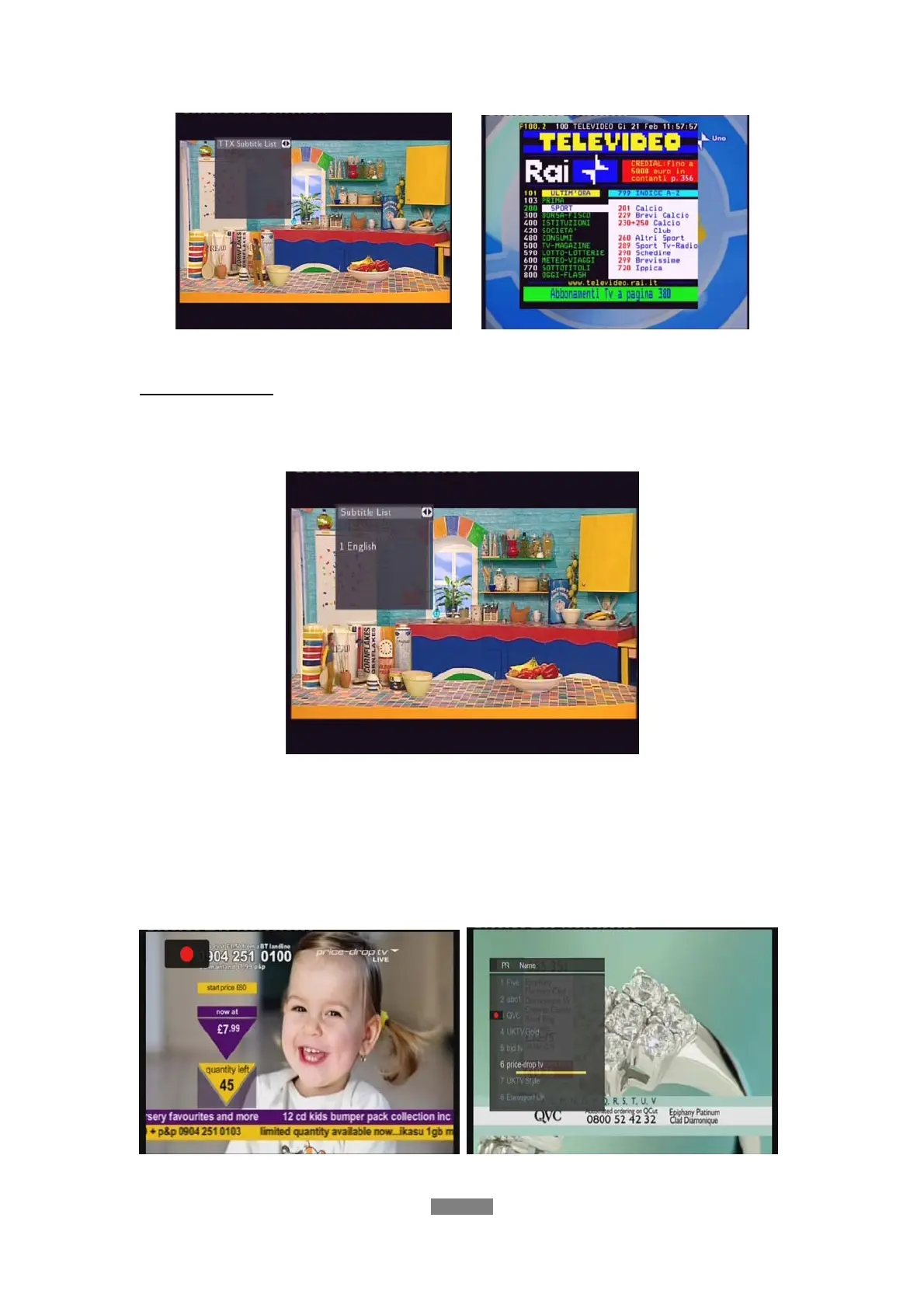
Press the navigational and numeric buttons to view the content in the Teletext menu.
Subtitle List Menu
Press the subtitle button when watching DVB-T TV programs, the Subtitle List menu will be
displayed.
Press the up / down button to select the subtitle, and press the enter button to confirm.
DTV Program Recording
Press REC button to start the recording, recording files are automatically stored in a folder
named REC by default.
ENGLISH
36 / 79



 To Next Page