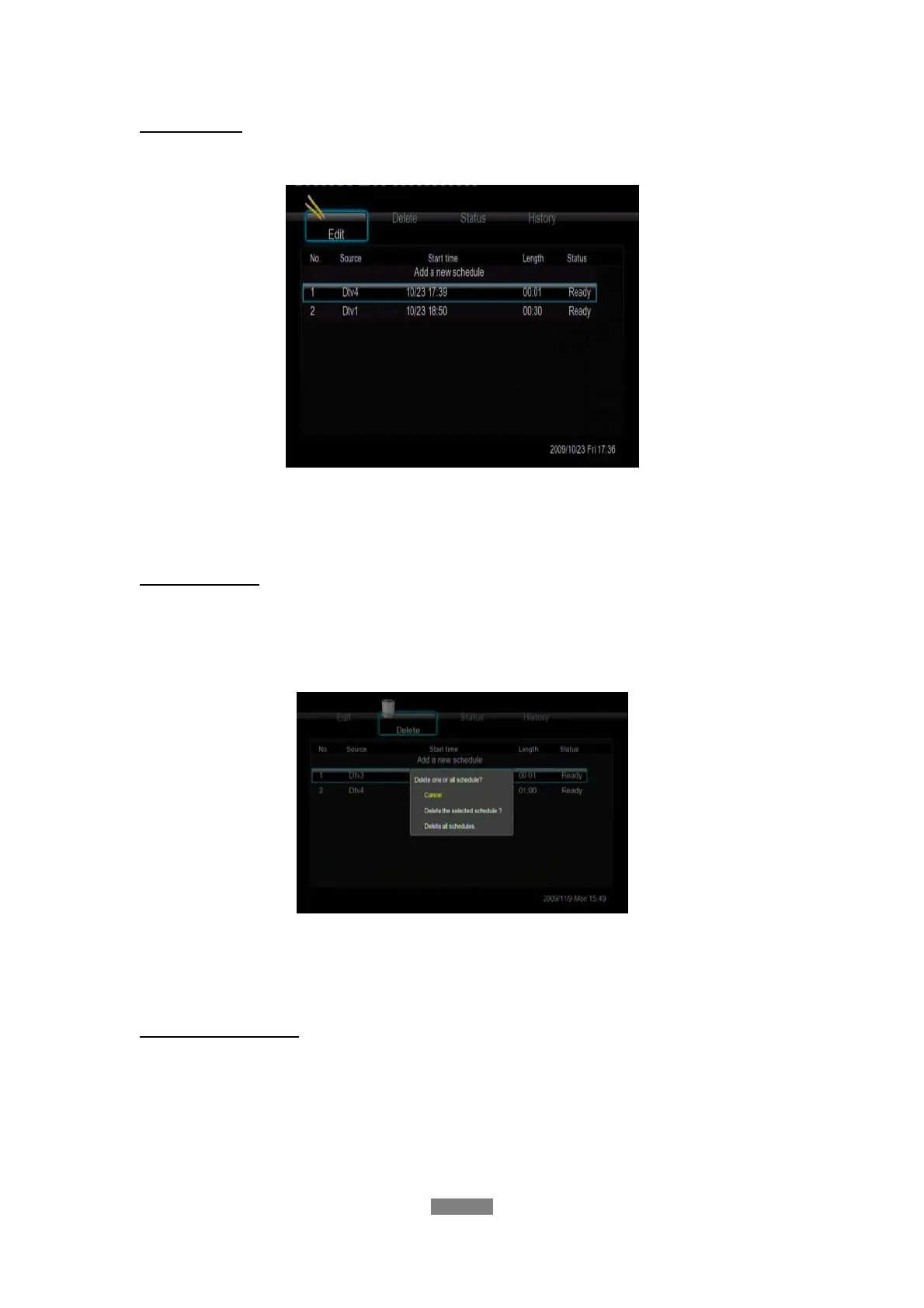
Edit Schedule
Press the left / right button on the remote control to select the Edit tab from the menu bar.
Select the schedule you want to edit from the list and press the enter button. The schedule
setting screen appears. Modify the schedule as described in ‘Create a New Schedule’.
Delete Schedule
Press the left / right button on the remote control to select the Delete tab from the menu bar.
Select the schedule you want to delete and press the enter button. A confirmation message
appears.
Select CANCEL, Delete the selected schedule, or Delete all schedules. Press the enter
button to confirm.
View Schedule Status
Press the left / right button on the remote control to select the Status tab from the menu bar.
The schedule list is displayed. Select a schedule and press the enter button.
ENGLISH
39 / 79



 To Next Page