ENGLISH
16 / 54
3. Setup Menu
The Setup menu allows you to personalize and configure the preferences for your player.
To select a Setup option:
- Select the Setup icon on the home screen, or press the SETUP button on the remote
control.
- Use the LEFT/RIGHT navigational buttons to select an option, and then press ENTER.
There are five Setup options, including Audio, Video, Network, System, and MISC. Use the
UP/DOWN navigational buttons to select a menu. Press ENTER to confirm. Press RETURN to
cancel and display the previous menu screen.
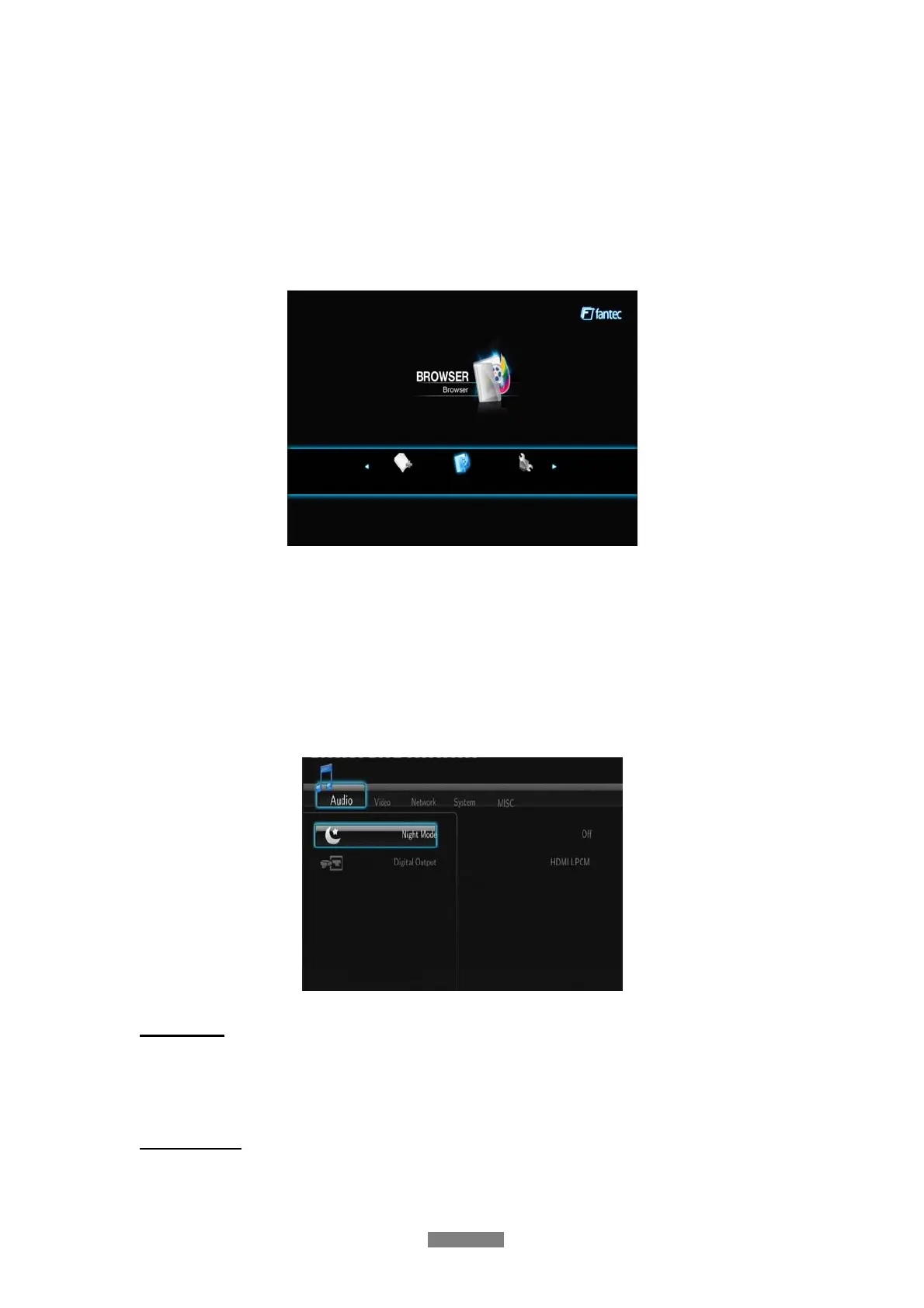
3.1 Changing Audio Settings
Use this menu to configure audio settings.
Night Mode
- Choose between Off / On / Comfort. If the option is turned on, the audio output volume
will be decreased to make you more comfortable.
Digital Output
- Choose between HDMI LPCM / HDMI RAW / SPDIF LPCM / SPDIF RAW. In raw mode,
Dolby Digital or MPEG sound can be bypassed to the HDMI TV or Digital amplifier.



 To Next Page