ENGLISH
34 / 54
6.1 Music Library
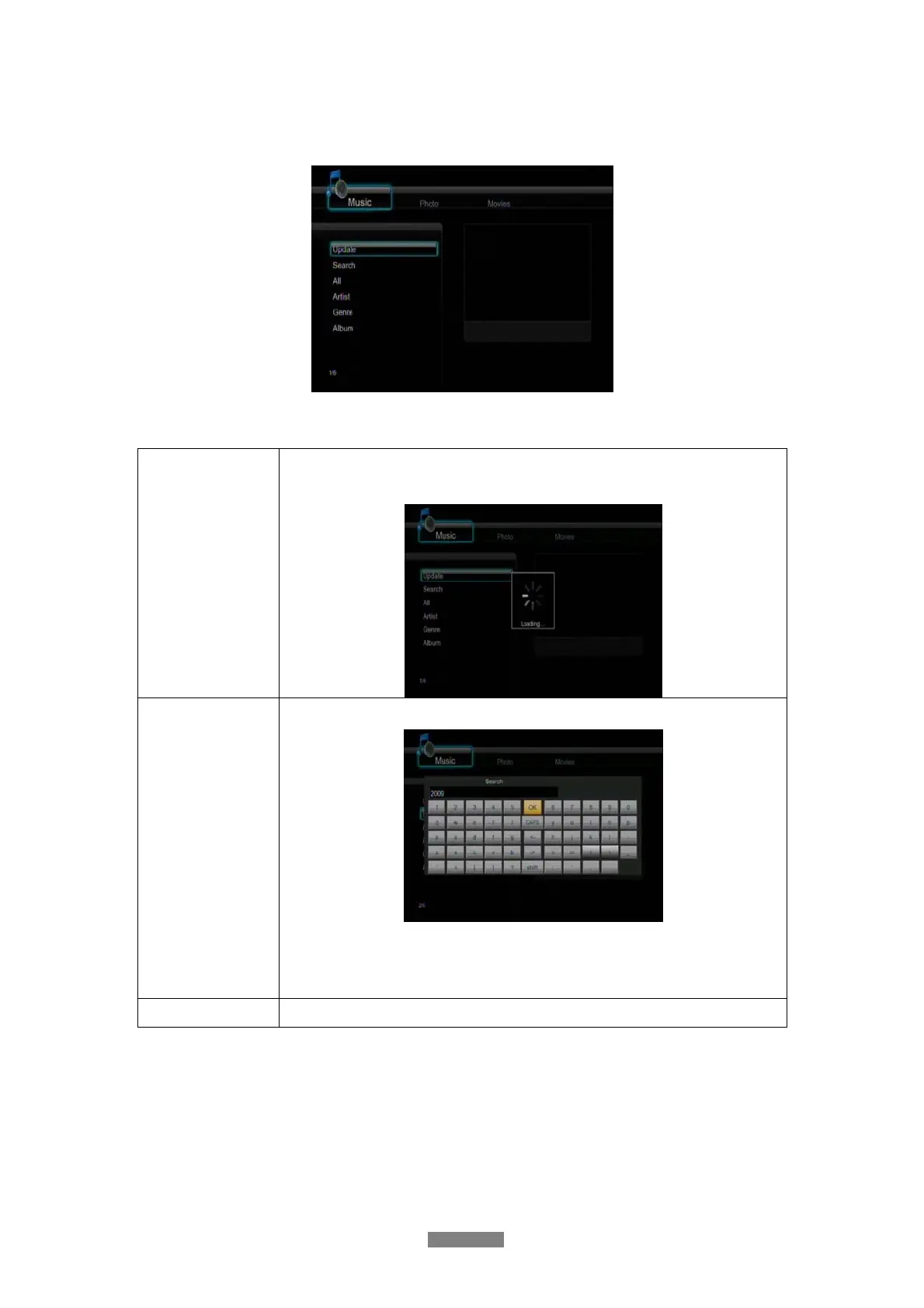
Use the left / right button on the remote control to select the Music tab.
Press the up / down button to select from Update, Search, All, Artist, Genre, and Album. And
press the enter button to confirm.
Update
Select to update and synchronize all the music stored on the internal HDD
to the library.
Search
Select to search for music files by their names.
Use the navigational buttons to select, and press the enter button to
confirm. Select OK and press the enter button, and then the files you
desired will be displayed on the screen.
All
Select to list all the music files in the library.



 To Next Page