ENGLISH
18 / 54
1080P 24FPS
- Choose this option to enable or disable 1080P 24HZ support. A TV set with 1080P 24HZ
(24P) mode is needed.
Screen Size
- Choose this option to change the display size.
Seamless Playback
- Uninterrupted playback of video and audio files
(the naming of the files should be alike “abc01.AVI” and “abc02.AVI”, etc)
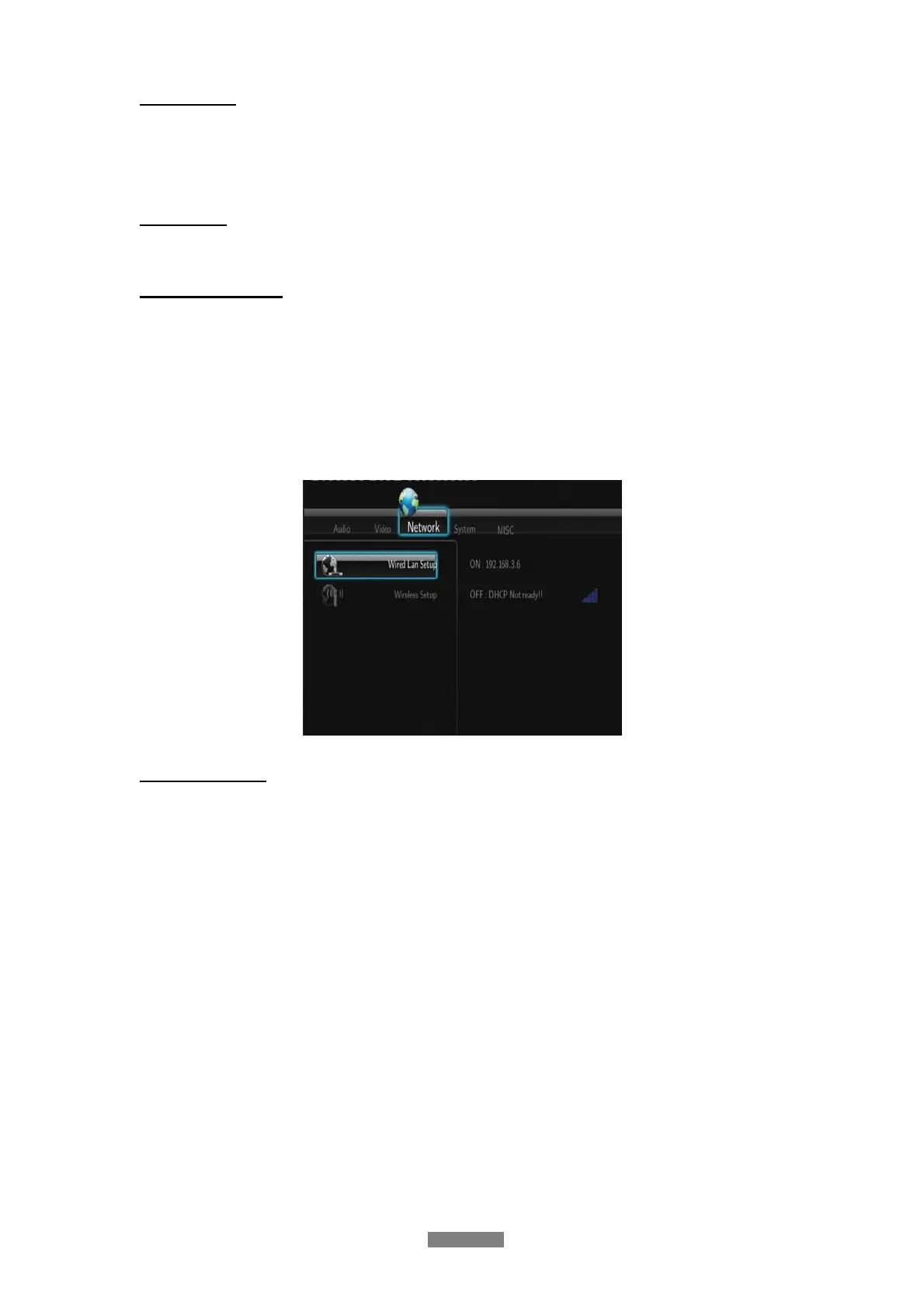
3.3 Changing Network Settings
Use this menu to configure Ethernet and WLAN (Wireless Local Area Network) settings.
Wired LAN Setup
- DHCP IP (AUTO)
Select to obtain IP address automatically.
- FIX IP (MANUAL)
Select to manually input the IP Address, Subnet Mask, Default Gateway, and DNS Server
IP Address.



 To Next Page