ENGLISH
31 / 54
4.7.3 Streaming Media on your Player
- Connect your player to the home network (LAN or WLAN).
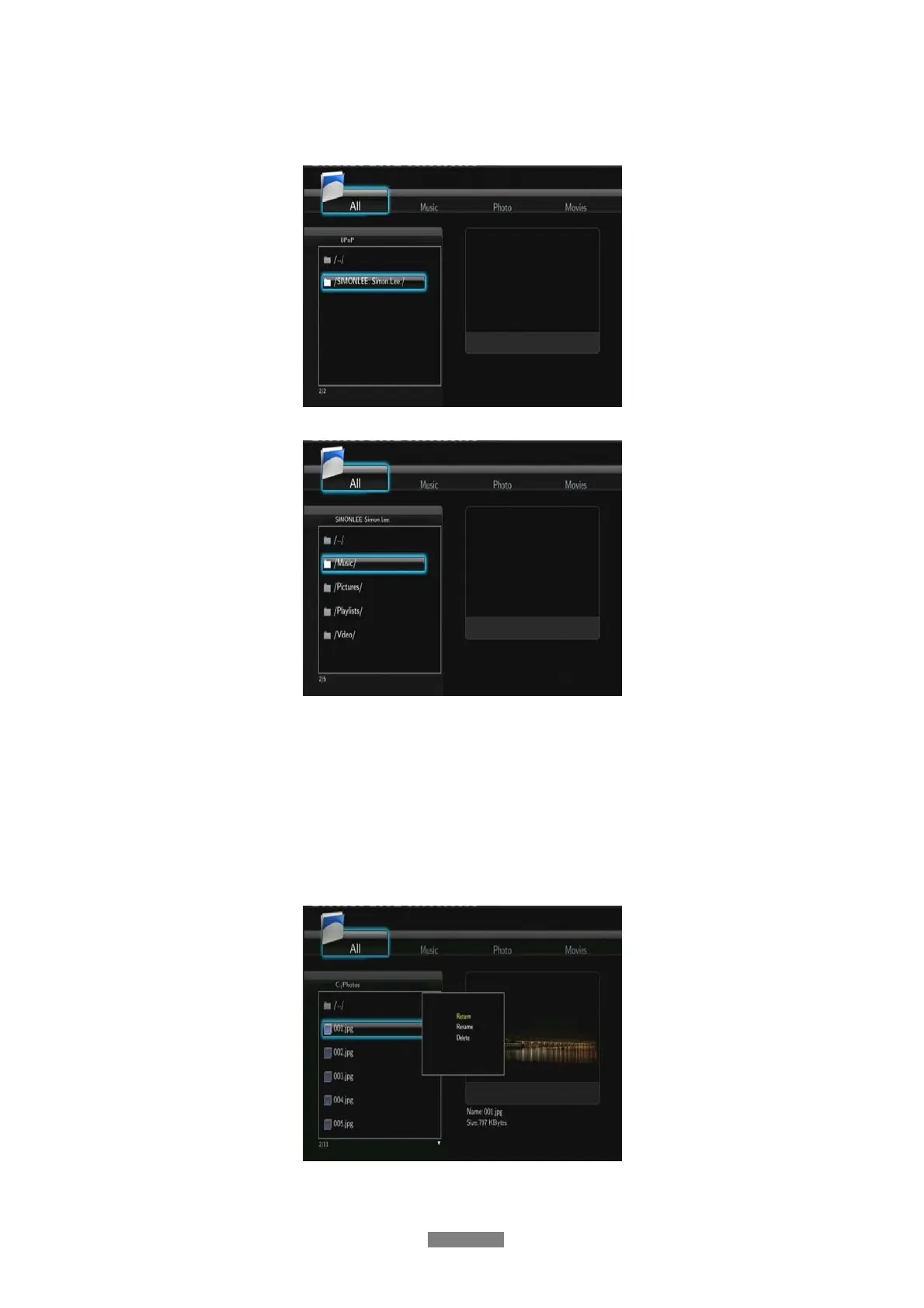
- Visit Browser - > UPnP menu on the player, select the UPnP-server, and press ENTER.
- Then you can browse the media library shared by Windows Media Player 11.
Note:
• Make sure your player and your computer are on the same local area network and subnet.
• Firewalls may prevent your player to communicating with your computer. Please open the
ports manually and add your player to the ‘trusted’ list, or disable the firewall temporarily.
4.8 Renaming / Deleting Files
When navigating in the browser menu, you can press the MENU button to activate a popup
menu where you can rename and delete files or folders.
Press the UP / DOWN buttons to select from Return, Rename, and Delete. And press ENTER
to confirm.



 To Next Page