ENGLISH
42 / 54
8. Downloads
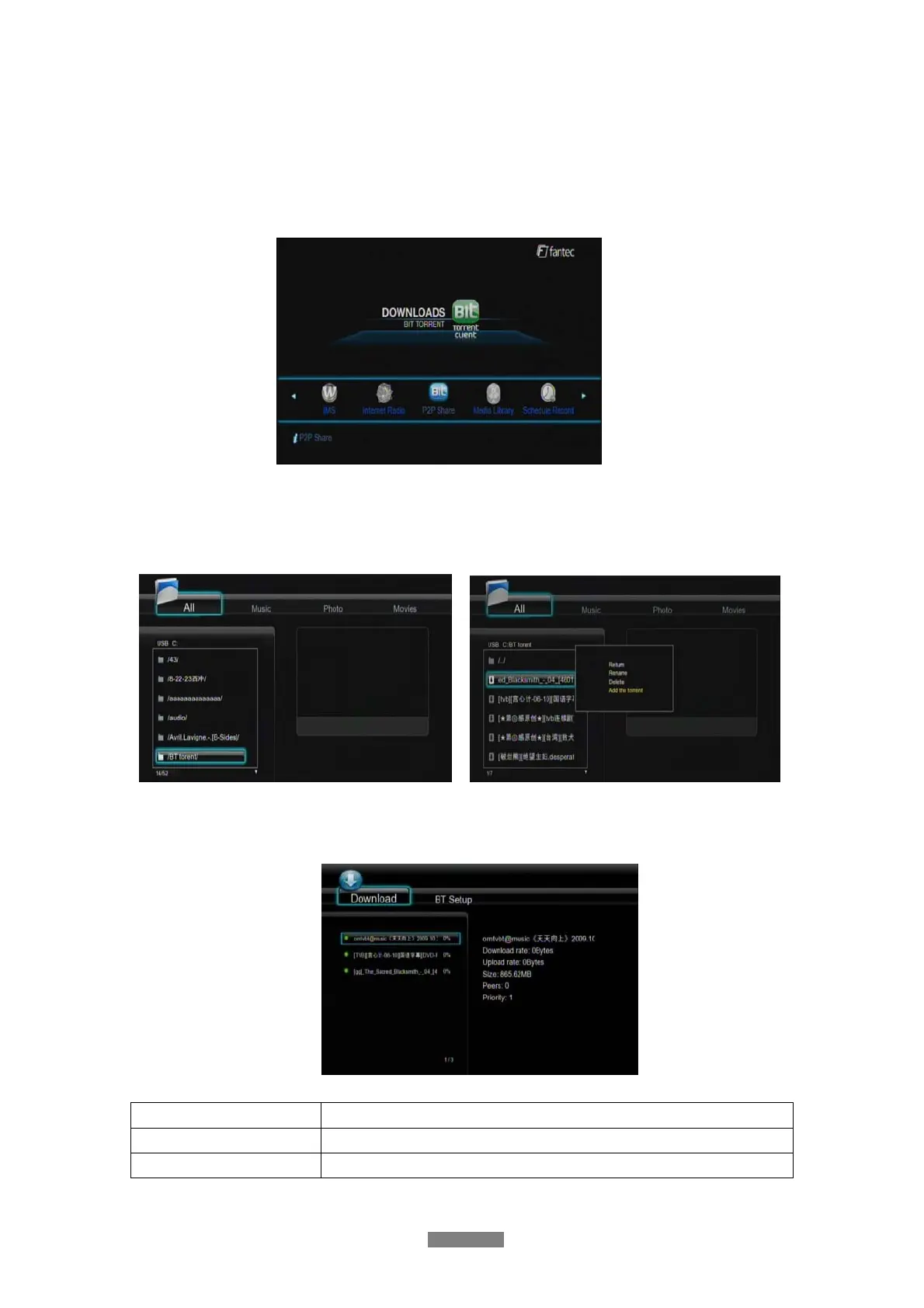
Select the P2P Share icon on the main menu. You can see the status of torrents download
progress and configure the BT download settings in this menu. Press LEFT/RIGHT button to
enter into download menu and BT setup menu.
Add a new torrent
Locate your torrent file in Browser menu,then press MENU button to add the torrent to start
downloading.
Download Menu
After add the BT torrent files, the download progress can be displayed in this menu.
The following buttons can be used under this menu.
Button Function
UP / DOWN
Move cursor up / down.
MENU
press to adjust the priority of the download task



 To Next Page