ENGLISH
43 / 54
PAUSE
Press to pause the download.
PLAY
Press to start download.
STOP
Press to stop the download.
RETURN
Return to the previous menu.
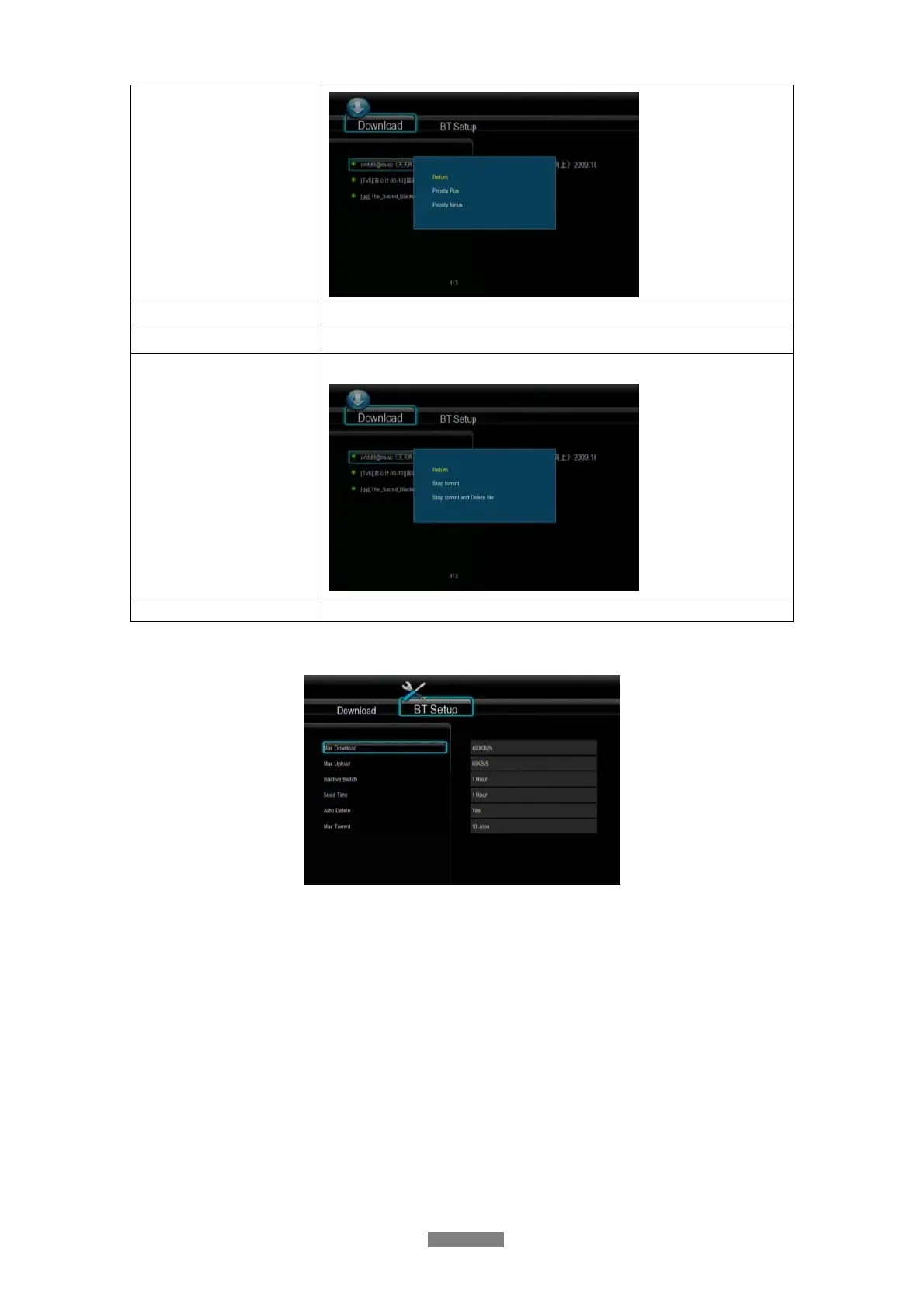
BT setup Menu
In the BT Setup menu, you can configure the following settings. Use UP/DOWN and ENTER
to change the settings.
- Set the maximum download rate.
- Set the maximum upload rate.
- Set the idle hours to start the next download automatically.
- Set the seeding hours.
- Set to delete the finished torrent files automatically or not.
- Set the maximum number of simultaneous download tasks.



 To Next Page