ENGLISH
21 / 54
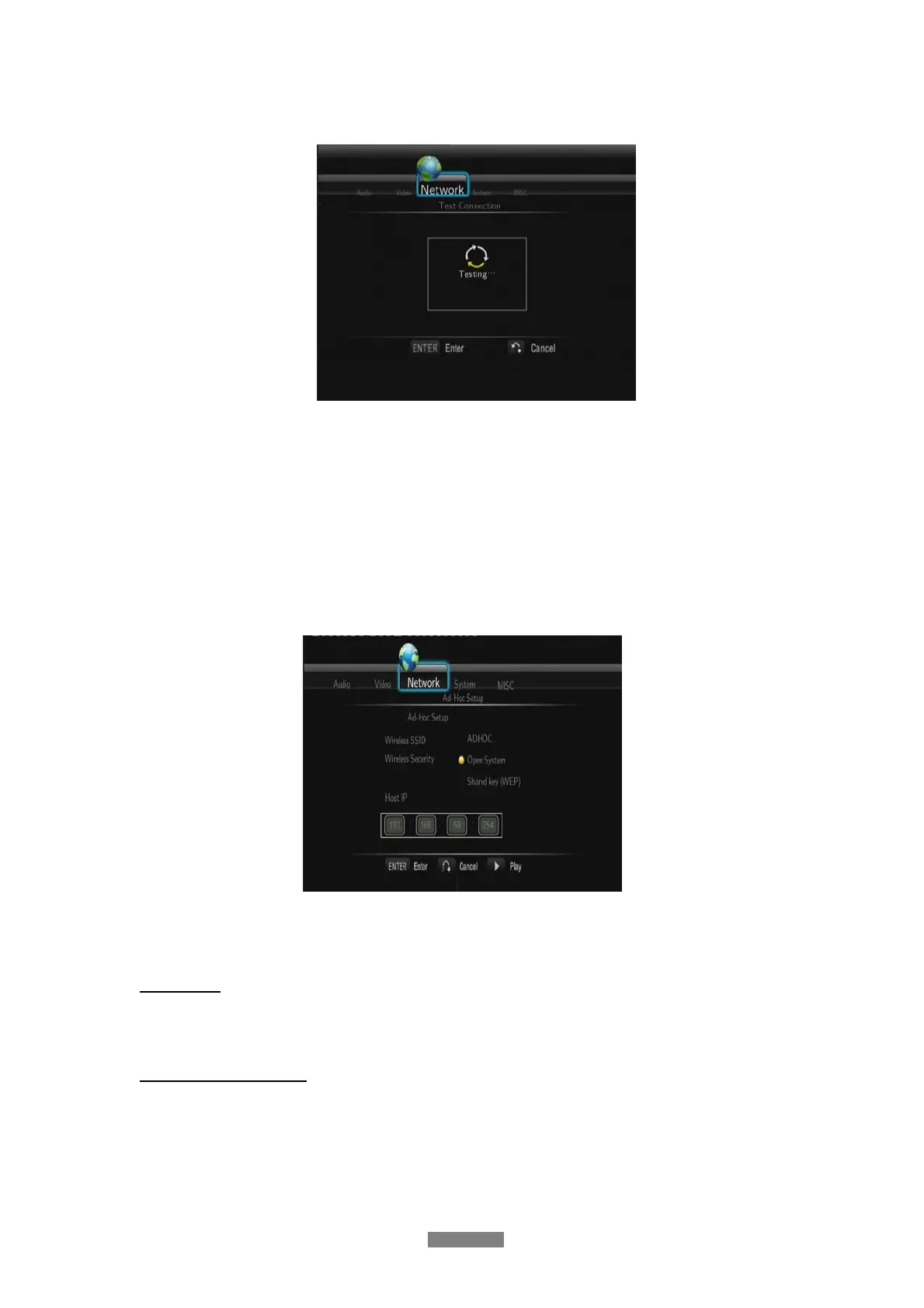
Test connection
The testing process will take for a while, please be patient to wait. If the test is ok, the
network information (Profile Name, IP address, Subnet Mask, Gateway, etc.) will be
displayed on the screen.
- Peer to Peer (Ad Hoc)
Peer to Peer mode, which is also called Ad Hoc mode or computer-to-computer mode, is
used to connect wireless clients directly together, without the need for a wireless router or
access point.
Ad-Hoc Setup
Press ENTER to go to next step, press RETURN to cancel, and press PLAY to connect.
Host Name
- Choose the network name of the player.
BitTorrent and SAMBA
- Turn on/off BitTorrent and Samba



 To Next Page