ENGLISH
29 / 54
4.6.2 Browsing through ‘My_Shortcuts’
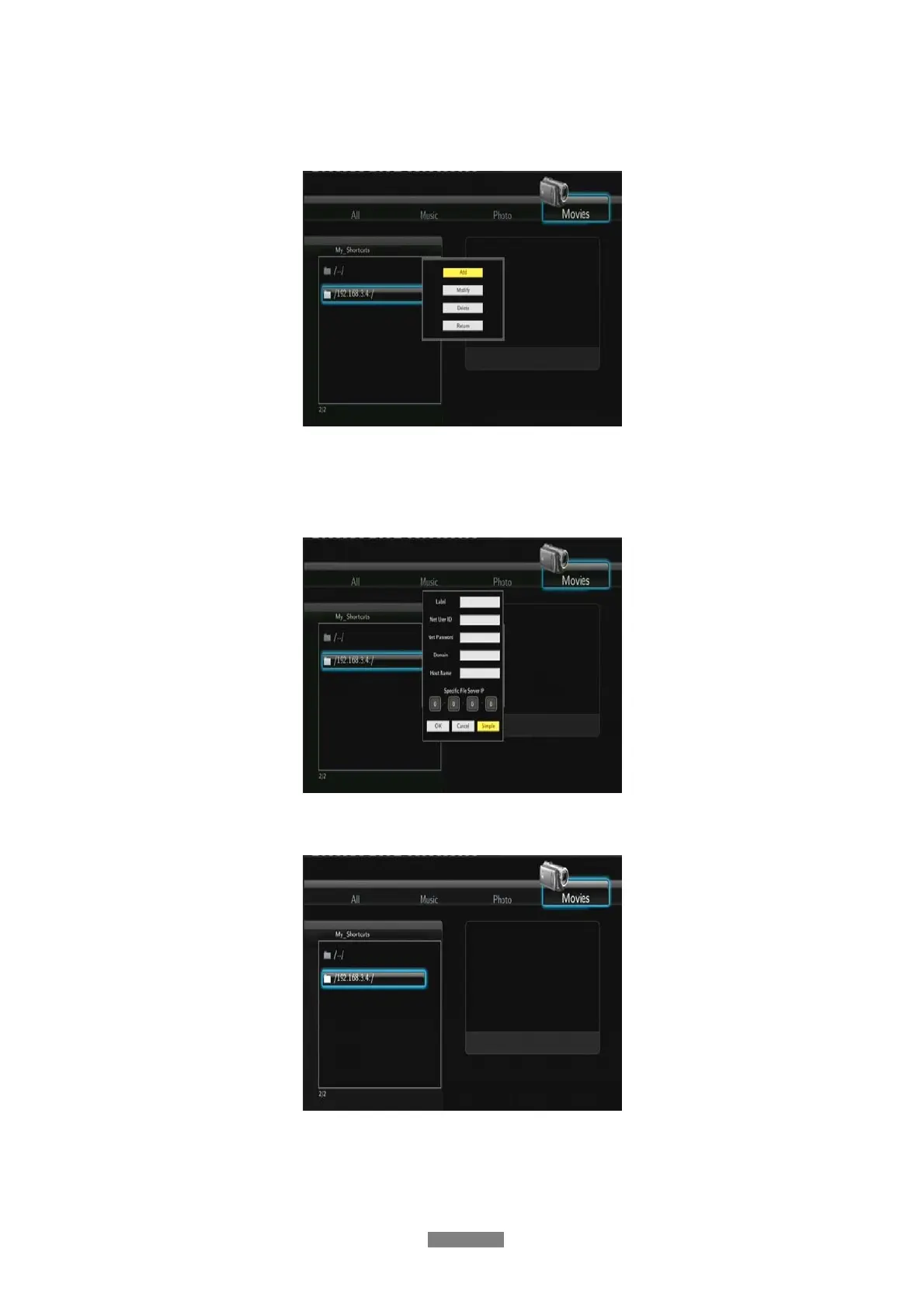
You can also set ‘Specific File Server IP’ and access it from ‘My_Shortcuts’ in the menu.
- Press the MENU button and a popup menu appears.
- Select Add to open a popup menu where you can input Net User ID (Username), Net
Password, Domain, Host Name, and Specific File Server IP of destination PC. Select
OK to confirm, Cancel to cancel, and Simple / Detail to switch between simple and
advanced options.
- Select the shortcut you added and press the ENTER button to confirm. Then you can
select and play the shared media files on the destination computer.



 To Next Page