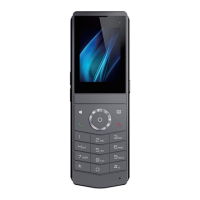
DECT W710P (W710D+W610D) User Manual
need to be subscribed to in the server to the group, use the URL address of the group to
subscribe to all the numbers in the group, and display the corresponding number, name,
and status on the indicator light of the BLF List key. The BLF List is automatically issued
by the server based on configuration, without the need for users to manually configure
values and names.
XML Browser: Place the configured XML file on the HTTP/HTTPS server, press this
button to retrieve the XML content and perform corresponding actions based on the
content.


 To Next Page