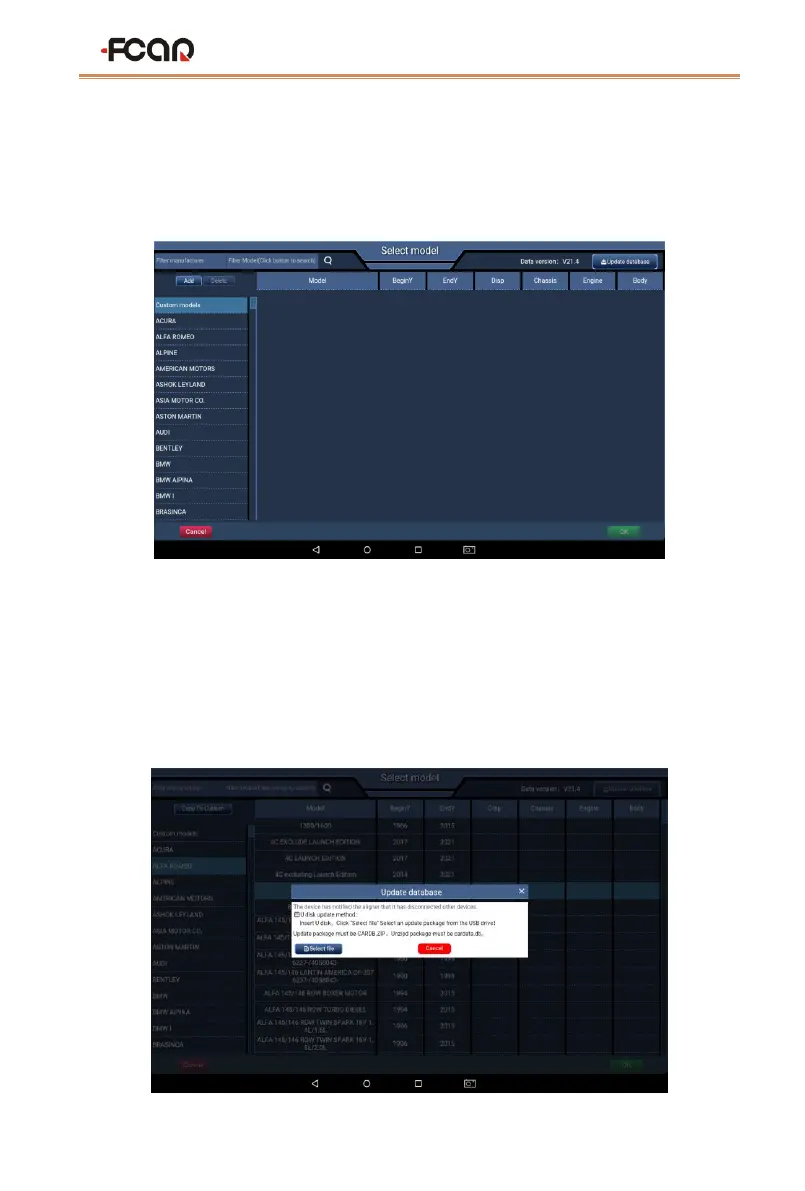
model.
Note:
⚫ Please add the model data according to the factory standard, do not add it at will!
⚫ You cannot delete any of the system models.
2) Update Database
You can add the model data in batch through this function. FCAR provides the new model
data regularly.
The detailed steps are as follows:
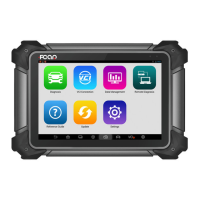
a) Press the button [Update database] in the Select model interface, the system will
pop up the dialog as shown below.


 To Next Page