FCI WATERMAKERS, INC. 124Troubleshooting
SYSTEM TROUBLESHOOTING GUIDE
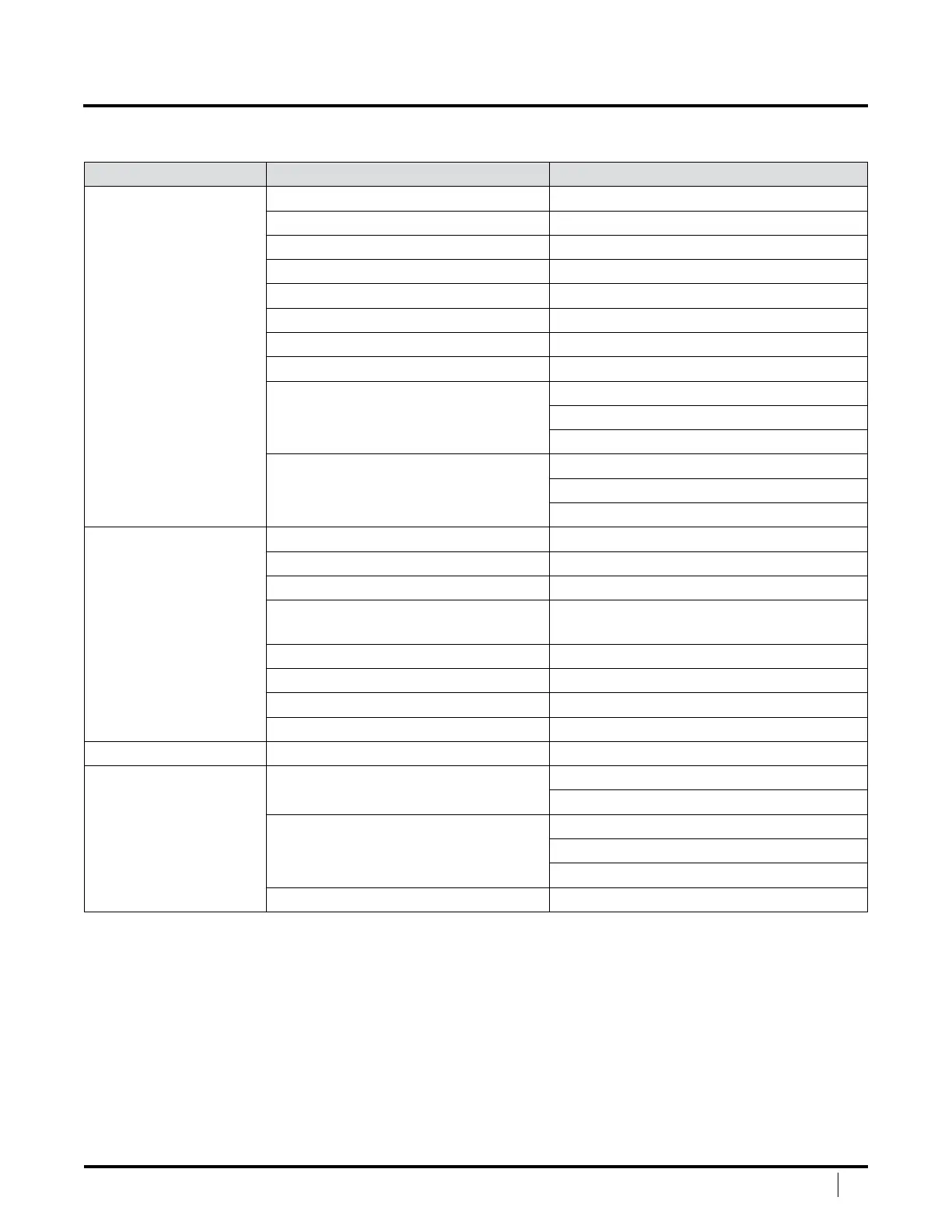
Table 3: System Troubleshooting Guide
Problem Probable Cause Solution
LP FAULT
• Low Pressure Feed
Pressure Too Low
Pre-lter clogged Clean (up to 2X) or replace
Sea strainer clogged Clean
Thru-hull obstructed Clear obstruction
Kink in feed hose Correct hose run or replace hose
LP pump lost prime Prime Low-pressure pump
Thru-hull valve closed Open Thru-hull valve
Pump Rotation incorrect Reverse rotation
Media lter needs back washing (if equipped) Backwash or change media
Low-pressure switch Replace switch
Tighten wire connections
Replace cable
Air in feed line Install forward facing scoop
Move thru-hull position
Use dedicated thru-hull
LP FAULT
•
LP
pump won’t run
Fuse blown on Controller Replace fuse – see electrical diagram
Capacitor blown on motor Replace
Thermal overload tripped on motor Will automatically reset when cools down
Thermal overload on contactor
tripped (if equipped)
Press reset button on thermal
overload (inside electrical box)
Loose wire in junction box Check and secure
Loose wire on control board Check and secure
Contactor faulty Replace
Loose wire on contactor coil A1, A2 Check and secure
PRE-FILTER LEAKS O-ring needs replacing Replace
HP FAULT
•
System Pressure
T
oo High
Pressure beyond high pressure trip point Reduce pressure
Adjust trip point
Switch has failed or wire connections
to switch are loose
Replace switch
Check wire connection
Replace wire
Restriction downstream of brine discharge Remove restriction


 To Next Page