FCI WATERMAKERS, INC. 44Installation
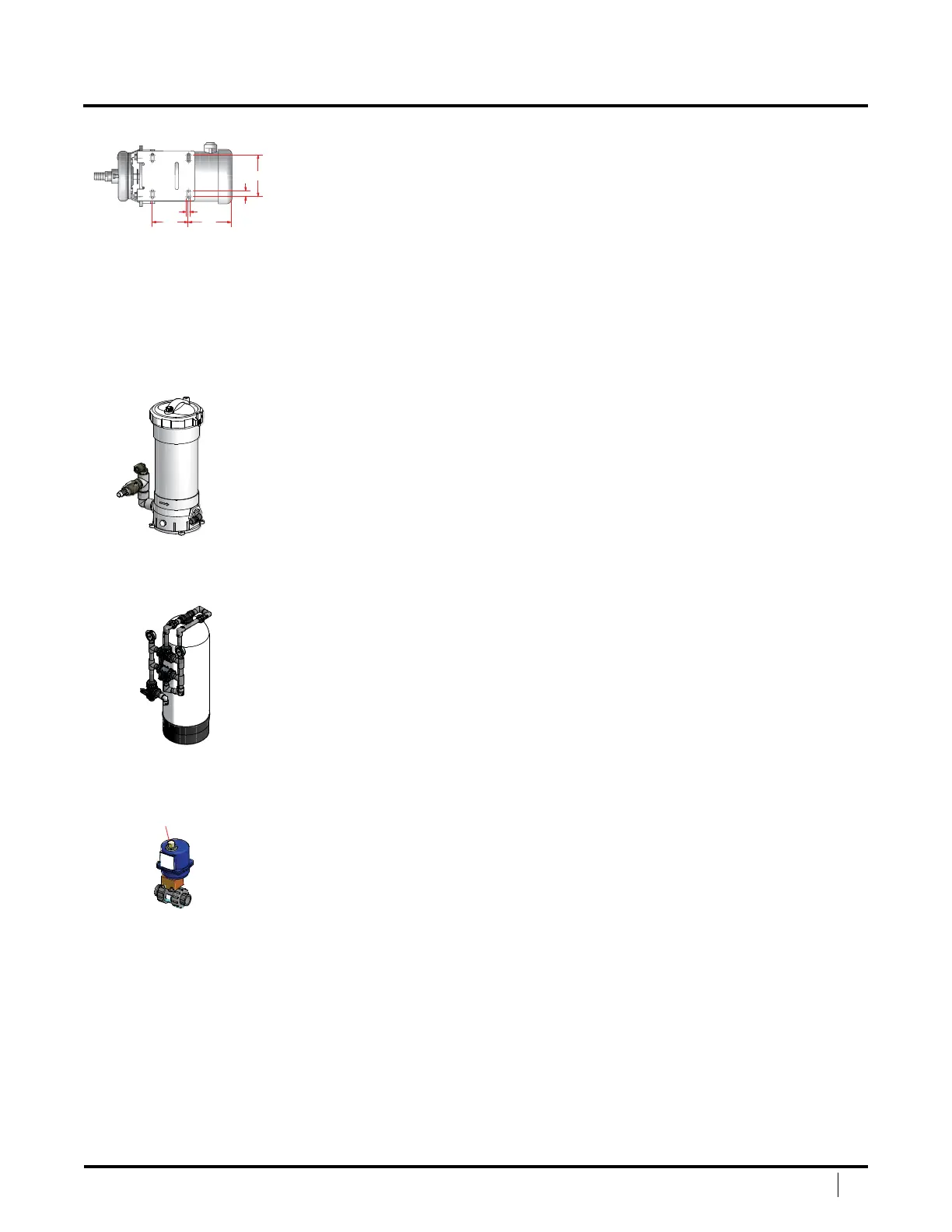
LOW PRESSURE PUMP MOUNTING
e low‑pressure pump should be mounted below the waterline. If the low
pressure pump must be mounted above the waterline, install a check valve
to insure the pump keeps its prime. Allow plenty of room around the pump
motor to provide proper ventilation. e suction line should be tted to allow
at least one foot straight section of pipe on the inlet and discharge lines.
Position the pump in the desired location and trace around the mounting holes on
the base. Remove the base from the pump by loosening the securing bolts. Mount
the base using 5/16” lag bolts or through bolts with back nuts. If desired, a neoprene
or rubber pad may be installed under the base to further insolate the pump from
the hull or foundation. Replace pump and motor on base and tighten the bolts.
PREFILTER MOUNTING
Mount the pre‑lter assembly in an accessible area to allow for changing
the lter elements. Allow at least 13‑1/2 inches above the housing to allow
for removal of the 5‑micron cartridge. Do not install over any electrical
components in case of leakage or dripping when changing cartridges.
Position the housing in the area desired, taking into consideration
the above mentioned issues. Using #10 lag screws with washers,
secure using the four mounting holes on the base.
MEDIA FILTER MOUNTING (optional)
Mounting consideration are unique to each installation. FCI Watermakers
recommends you consult an installer for installation of the optional media lter.
INLET ACTUATED VALVE MOUNTING (optional)
Mounting consideration are unique to each installation. FCI Watermakers recommends
you consult an installer for installation of the optional inlet actuated valve.
0.63
0.38
Open/Closed
Indicator
SYSTEM INSTALLATION / MOUNTING (continued)


 To Next Page