FCI WATERMAKERS, INC. 65Operational Instructions
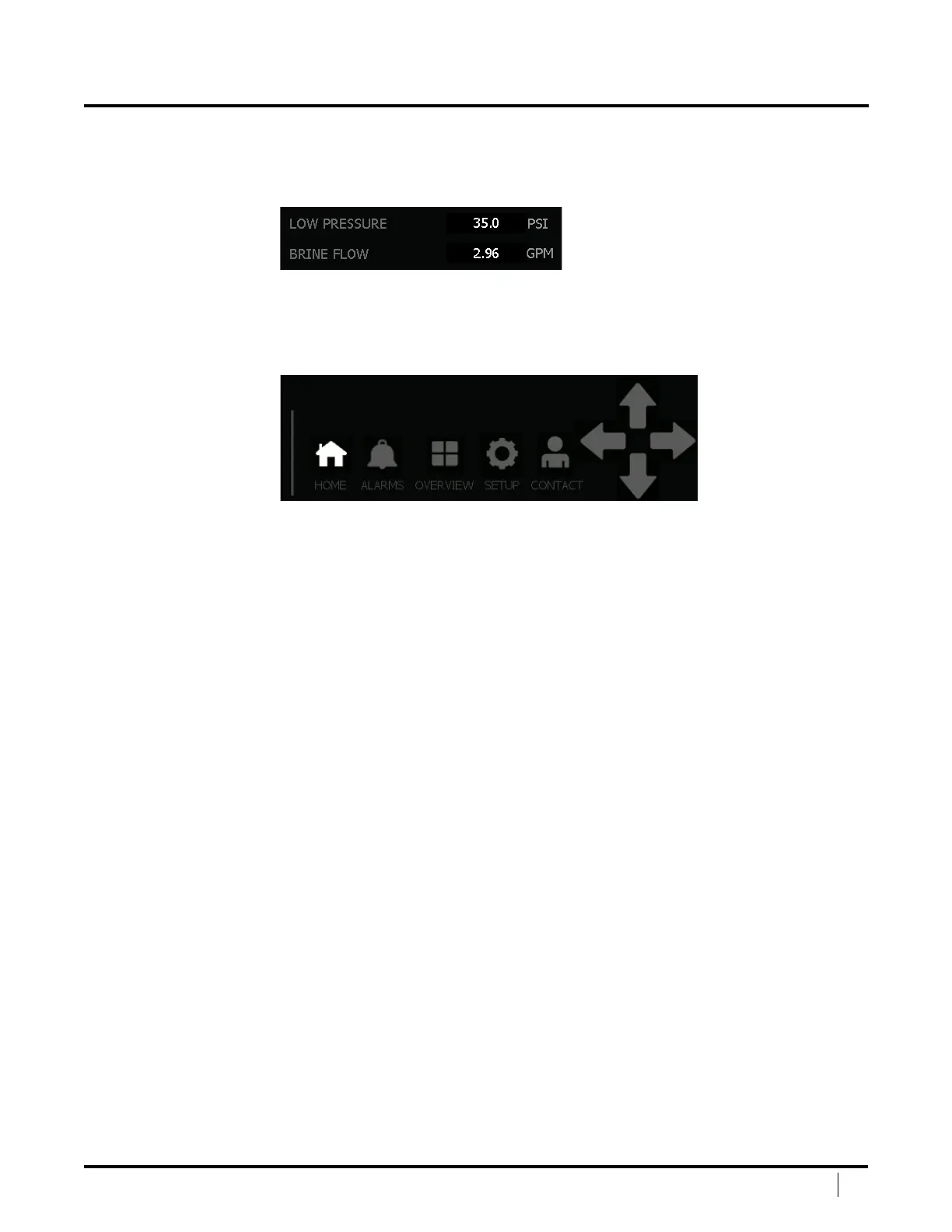
NUMERIC DISPLAY
Numeric Displays show the value of an device, such as a pressure transducer or
ow meter. ese values cannot be adjusted and are for reading machine status.
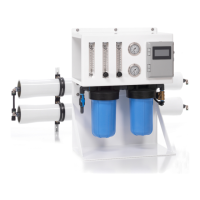
NAVIGATION BAR
e Navigation Bar is positioned at the bottom of each screen for
quick and easy navigation between the various screens.
Home – Displays the Home Screen, or the Run Screen when the unit is in operation.
Alarms – Displays the Alarm Screen.
Overview – Displays the Overview Screen which shows a
graphical representation of the overall system status.
Setup – Displays the Setup Screen which allows the user to change settings.
Contact – Displays the Contact Screen.
Direction Arrows – Allow the user to navigate through various screens. e
arrows will be white when they can be pressed to show additional screens.
DISPLAY OPERATIONAL OVERVIEW (continued)


 To Next Page