EasyManua.ls Logo

FEC FEB-9455 - Super Io Device

Default Icon
53 pages
Print Icon
To Next Page IconTo Next Page
To Previous Page IconTo Previous Page
Loading...
FEB-9455 Users Manual
28
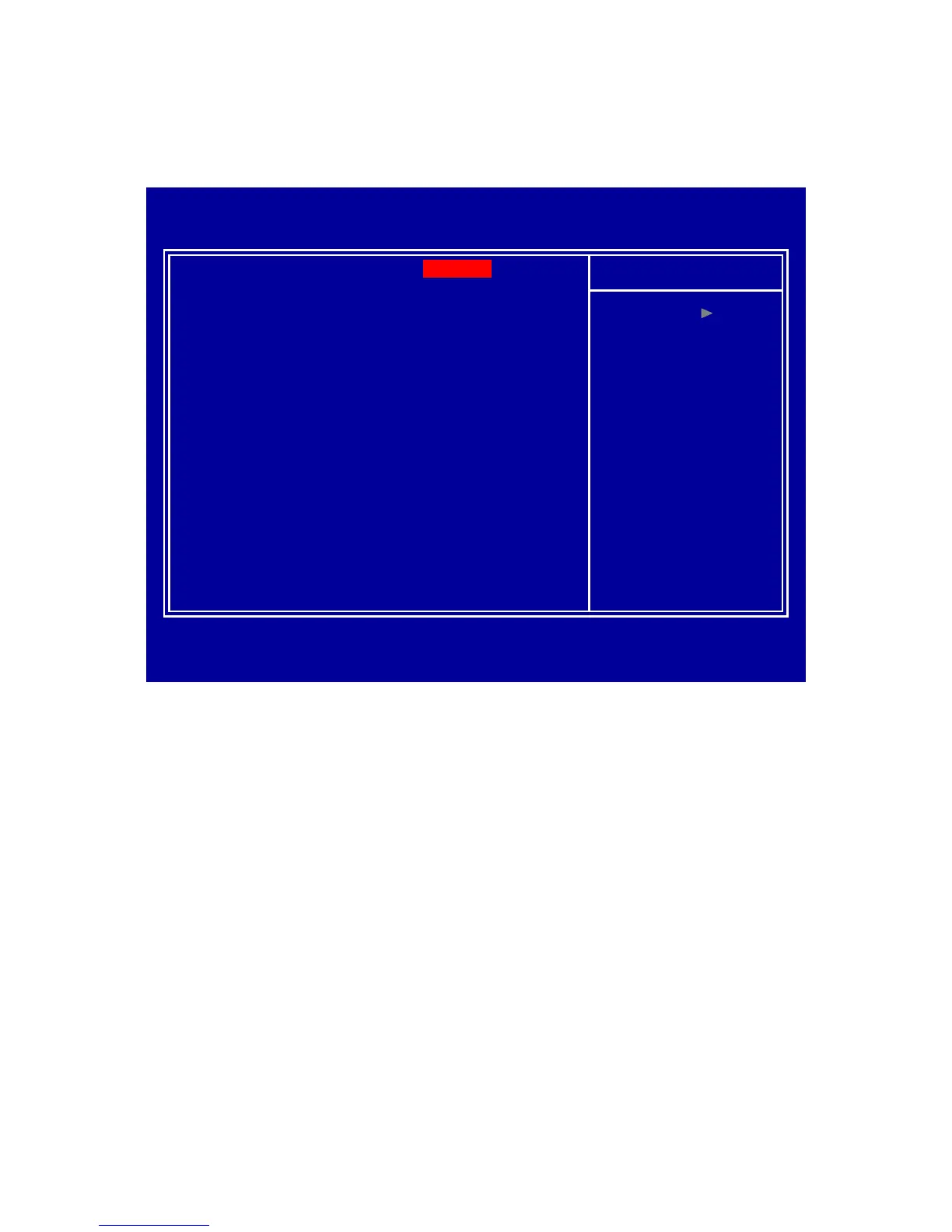
Super IO Device
Press <Enter> to select Serial, Parallel and PWRON After PWR-Failconfiguration.
Item Help
Menu Level
:Move Enter:Select +/-/PU/PD:Value F10:Save ESC:Exit F1: General Help
Onboard Serial Port 1
Onboard Serial Port 2
UART Mode Select
x RxD , TxD Active
x IR Transmission Delay
x UR2 Duplex Mode
x Use IR Pins
Onboard Parallel Port
Parallel Port Mode
x EPP Mode Select
x ECP Mode Use DMA
PWRON After PWR-Fail
Phoenix AwardBIOS CMOS Setup Utility
Super IO Device
F5: Previous Values F6: Fail-Safe Defaults F7: Optimized Defaults
[ 3F8/IRQ4 ]
[ 2F8/IRQ3 ]
[ Normal ]
Hi , Lo
Enabled
Half
IR-Rx2Tx2
[ 378/IRQ7 ]
[ SPP ]
EPP1.7
3
[ Off ]
Watch Dog Timer Select
Select Watch dog Disabled or set timer value.
Onboard Serial Port 3/4/5/6
Select serial port address
Serial Port 3/4/5/6 Use IRQ
Select serial port IRQ