Frequency / Voltage Control
Load Fail-Safe Defaults
Load Optimized Defaults
Set Supervisor Password
Set User Password
Save & Exit Setup
Exit Without Saving
Phoenix – AwardBIOS CMOS Setup Utility
Esc : Quit
↑↓ ← →
: Select Item
F10 : Save & Exit Setup
Time, Date, Hard Disk Type…
Standard CMOS Features
Advanced BIOS Features
Advanced Chipset Features
Integrated Peripherals
Power Management Setup
PnP/PCI Configurations
PC Health Status
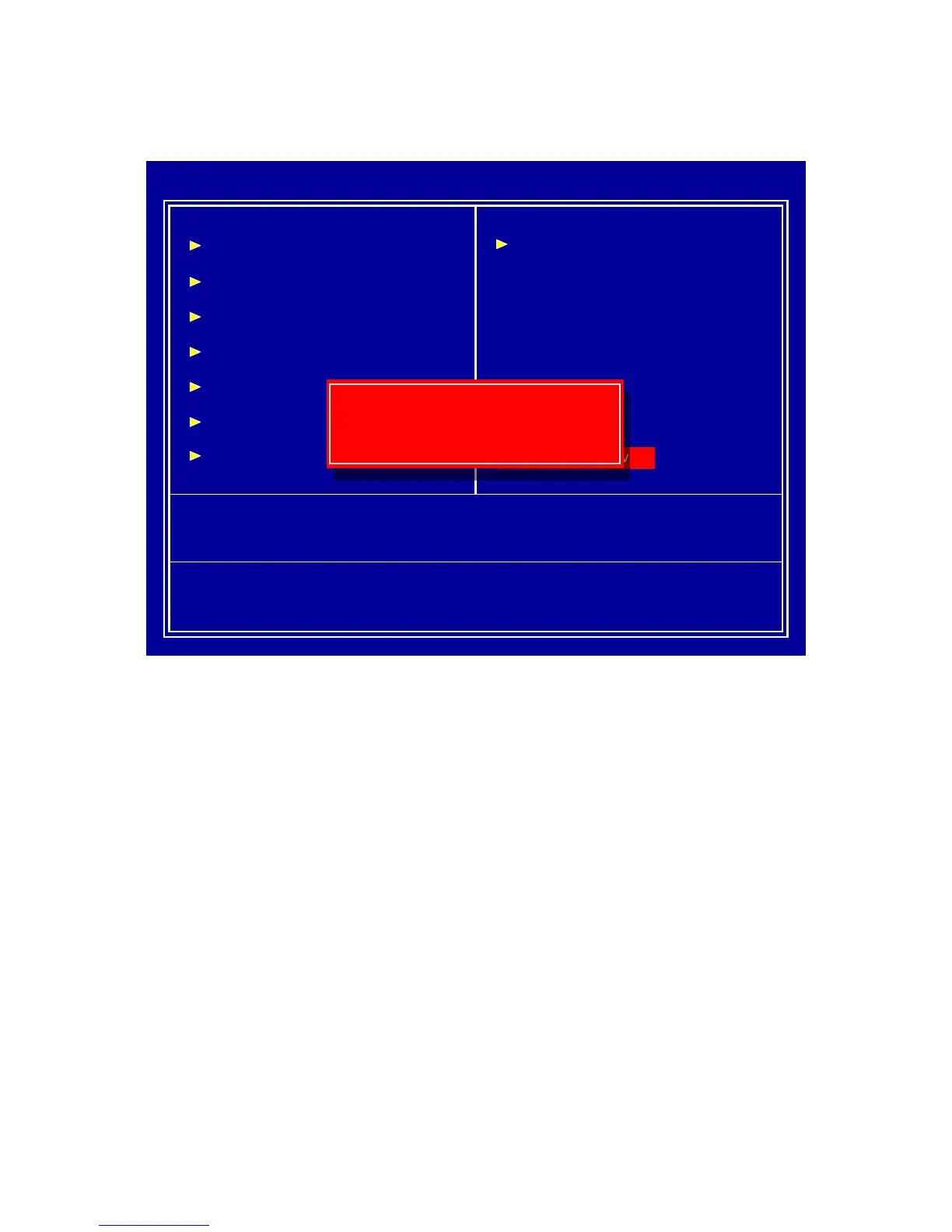
Quit Without Saving (Y/N)? N
Quit Without Saving (Y/N)? N
This item confirm save configuration or not before quit BIOS setup utility,
Press <Y> and <Enter> will not save configuration, then reboot system.
Press <N> and <Enter> will back to BIOS setup utility.



 To Next Page