Chapter 2 BIOS Setup
This chapter introduces BIOS setup information.
Power on or reboot the system board, when screen appear
“Press DEL to enter SETUP“, Press <DEL> key to run BIOS SETUP Utility.
Note: The BIOS configuration for reference only, may subject to change without prior
notice.
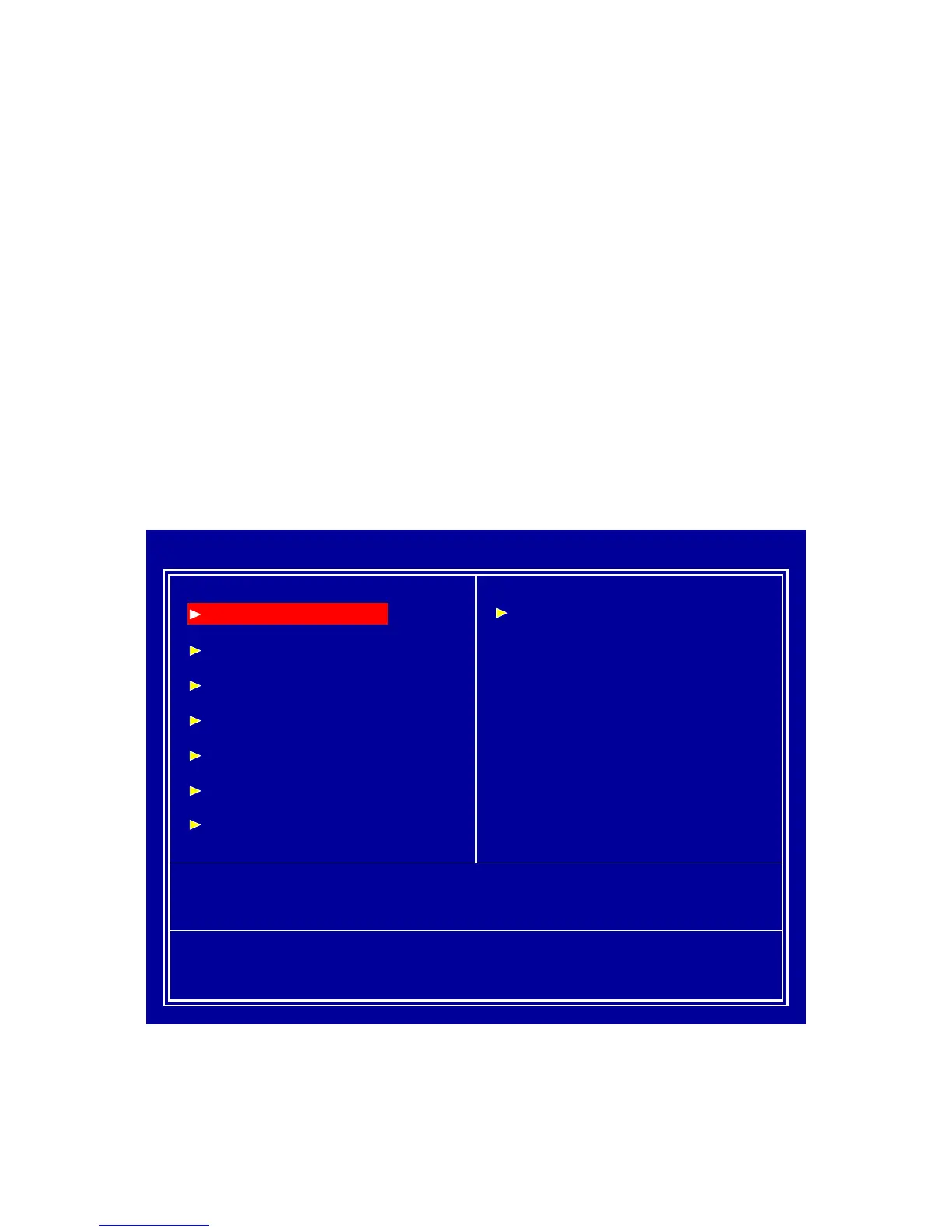
2.1 Main Menu
Please use arrow keys to select item, then press <Enter> key to accept or enter the
sub-menu.
Phoenix – AwardBIOS CMOS Setup Utility
Frequency / Voltage Control
Load Fail-Safe Defaults
Load Optimized Defaults
Set Supervisor Password
Set User Password
Save & Exit Setup
Exit Without Saving
Esc : Quit
↑↓ ← →
: Select Item
F10 : Save & Exit Setup
Time, Date, Hard Disk Type…
Standard CMOS Features
Advanced BIOS Features
Advanced Chipset Features
Integrated Peripherals
Power Management Setup
PnP/PCI Configurations
PC Health Status



 To Next Page