Chapter 3 Drivers Installation
This chapter introduces driver installation information.
Please insert the utility CD to CD-ROM drive, the install menu will appear
automatically, if the install menu did not list suitable driver of Operate System or did
not appear automatically, please select corresponding driver of utility CD to install.
The Windows XP driver installation step as below.
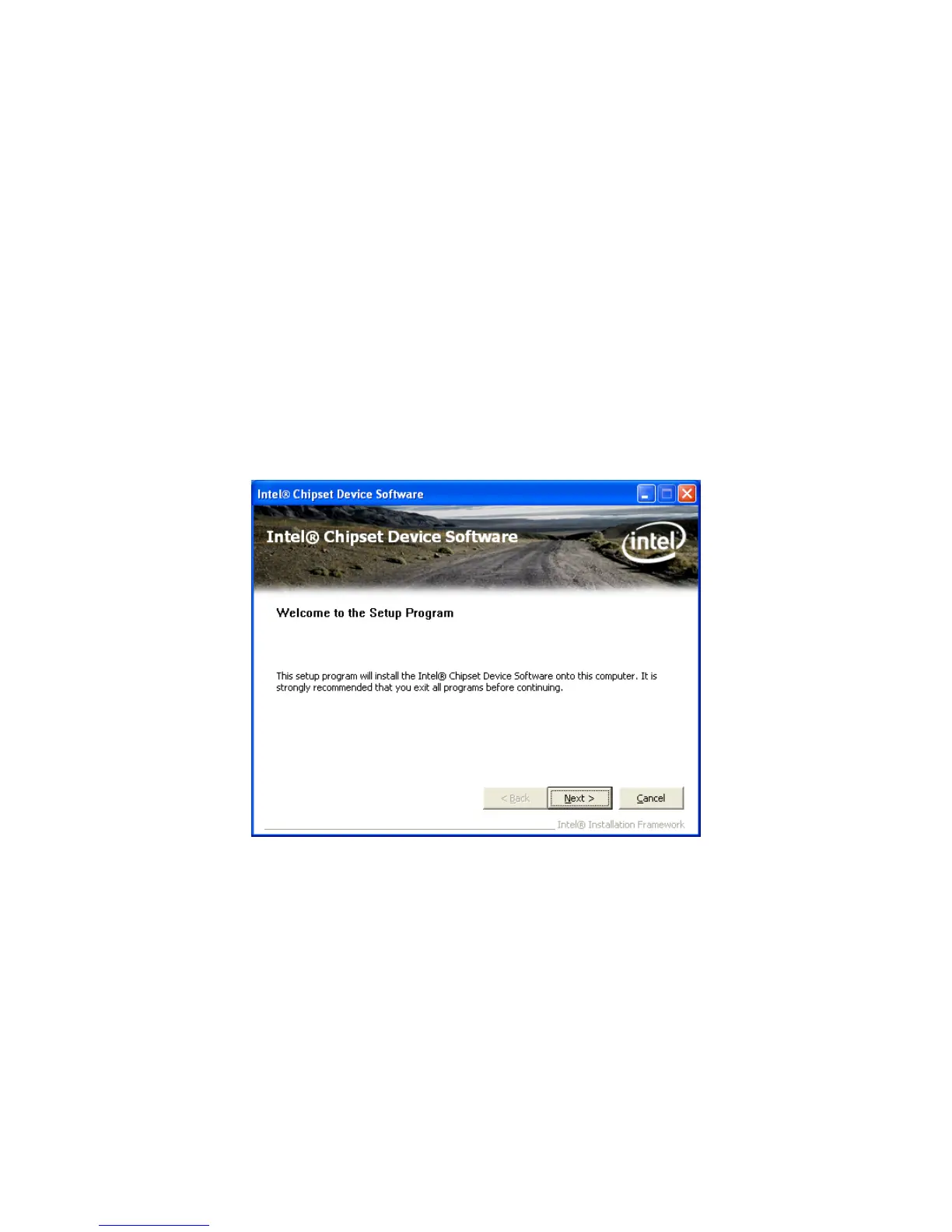
3.1 Intel Chipset Device Software
Step 1. Click “Next” to continue



 To Next Page