EasyManua.ls Logo

FEC PP-9635 - HDD Detection Issues

FEC PP-9635
116 pages
Print Icon
To Next Page IconTo Next Page
To Previous Page IconTo Previous Page
Loading...
86
Category
Symptom
Factor
Part Number
Check Point
System
After power
on black
screen
System standby LED light
on
1. Connect an external monitor
check if it can display then
replace the LED panel
2. Replace HDD
3. Clear CMOS and load
factory BIOS default
4. Replace CMOS battery
5. Check RAM is seat firmly
6. Replace MB
System
Auto reboot
1. Make sure RAM is seated
firmly/replace RAM
2. Do HDD virus scan/re-
image with a known clean
source
3. Replace MB
4. Contact FEC Service
Center
System
System
keeps
beeping while
power on
1. Check RAM is seated firmly
2. Check RAM module is
correct as specification
described
3. Replace MB
4. Contact FEC Service Center
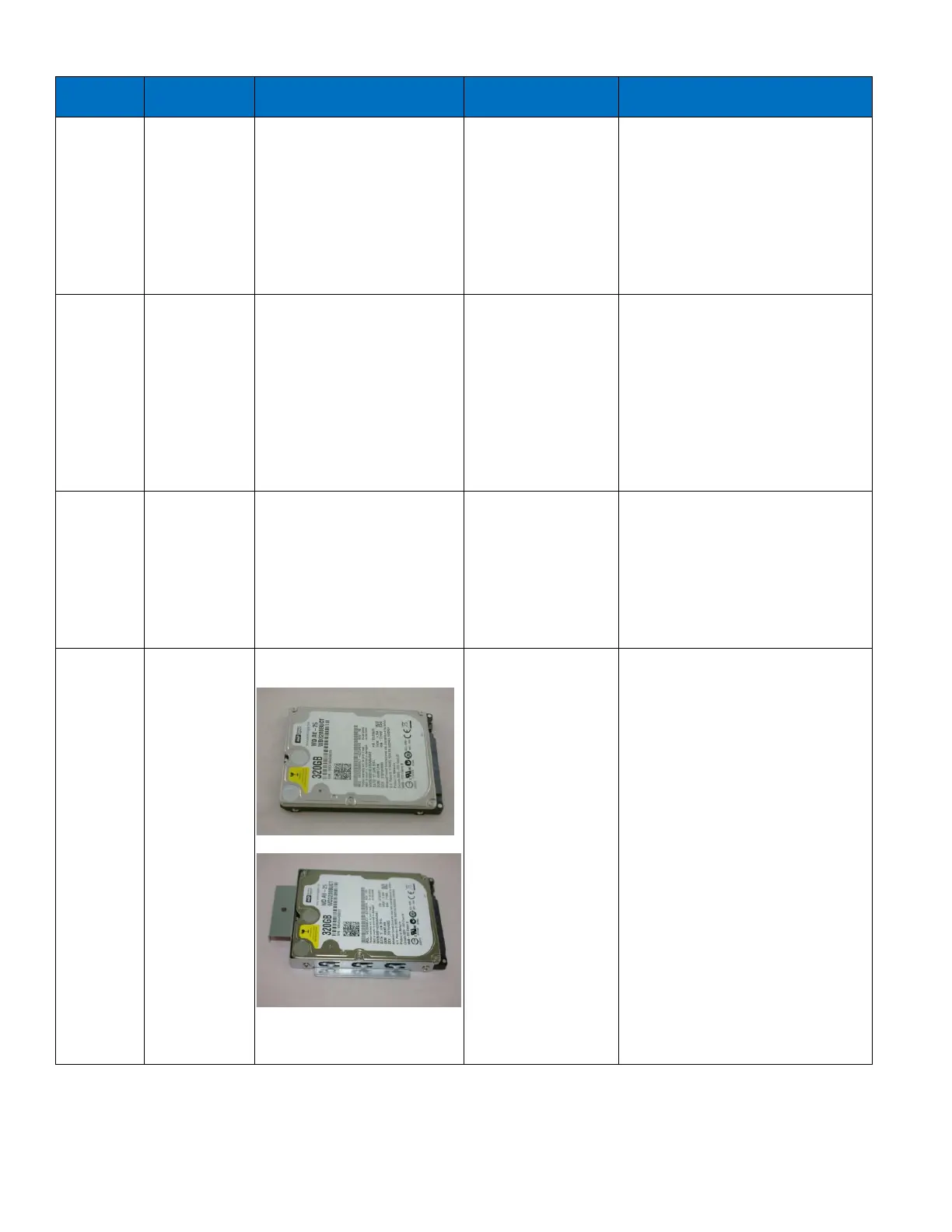
HDD
Can't detect
HDD
1. HDD is defective
2. Cable
RD9000PH060C
1. Does HDD
connect well after re-
installing?
2. If not, please replace new
HDD or contact FEC service
center