Software Setup
FEC ITALIA 51
Insert the USB stick into the system to be restored, when turning it
on press F7 for the Boot device and select:
• UEFI: USB name
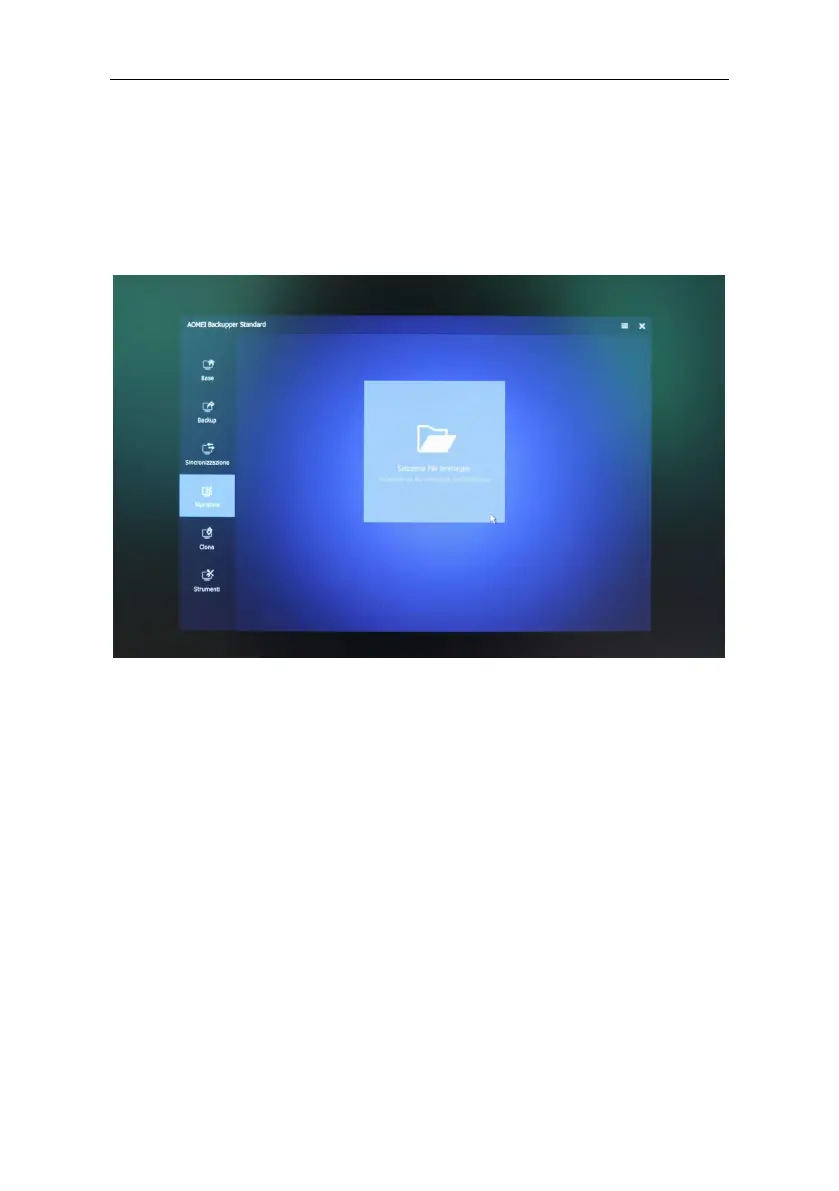
Once the AOMEI_Backupper graphical interface has started, close
the screen with the offer, select the Restore and Image File
Selection task.
Browse external disk and select the
“WTC6E_W10_Pro_21H1_Ita/Eng” file, confirm with Open.



 To Next Page