PP SERIES | PP-9745W – User Guide
52 FEC ITALIA
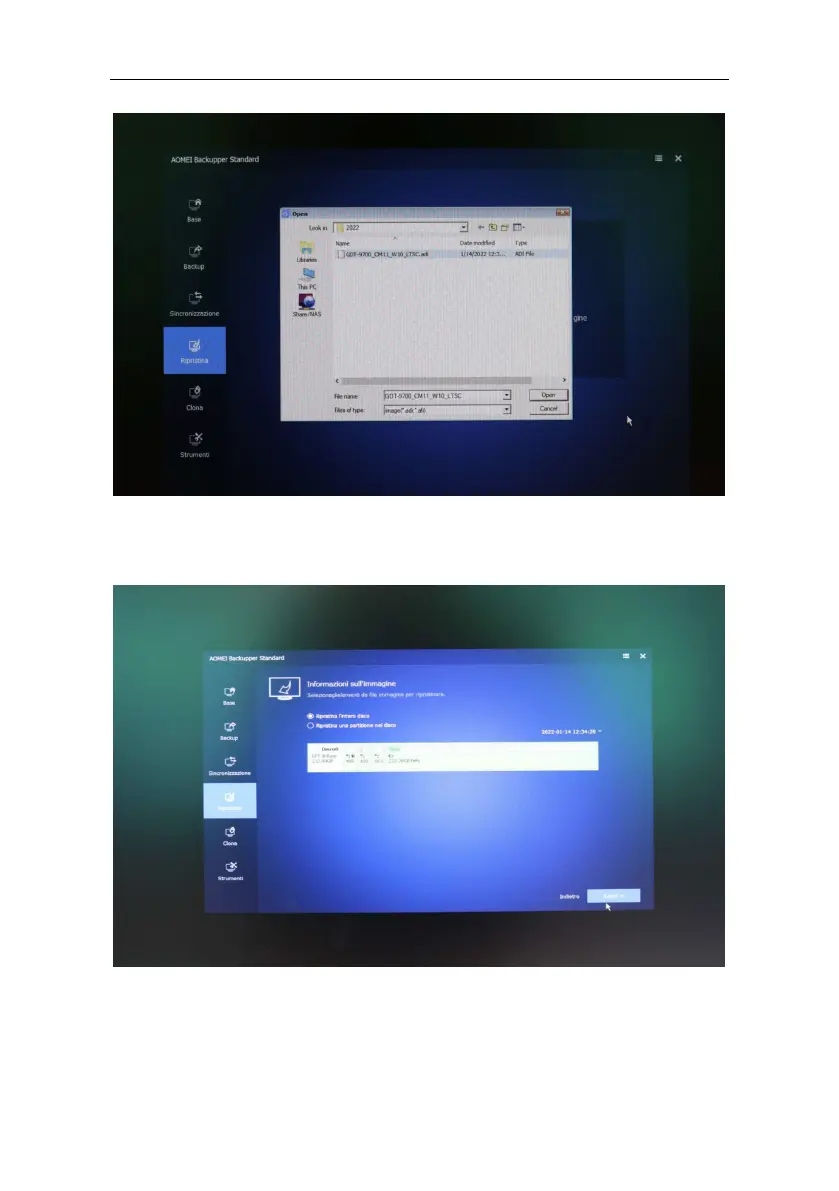
Check that "Restore entire disk" is checked, click on the Disk 0 box,
it turns green, and confirm with Next.
Check that Disk0 is highlighted (green), continue with Next, and
confirm the overwriting with OK.



 To Next Page