12
www.feiyu-tech.com
Recording
Button
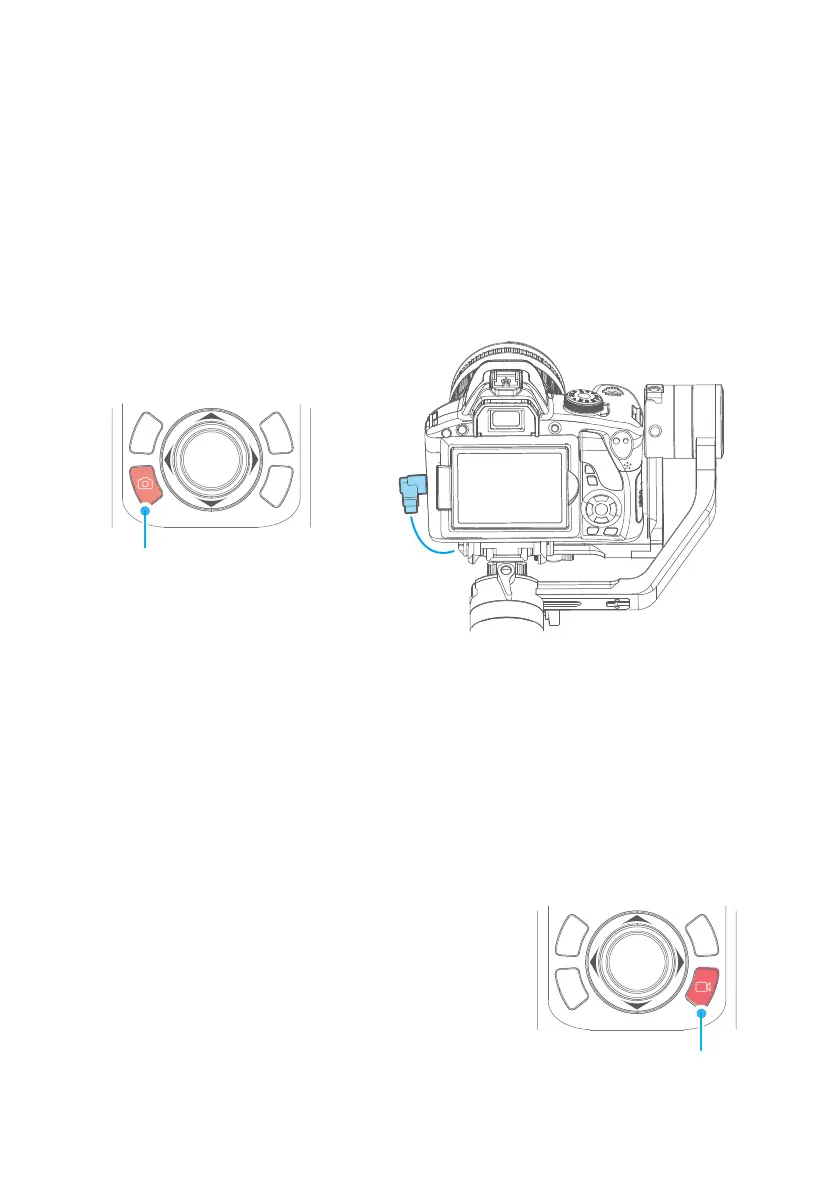
4.2.3 Capturing Button
Single click ⸺ Focus, click again to take a photo within 3 seconds
4.2.4 Recording Button
Single click
⸺ Start shooting / Stop shooting
Long press ⸺ Burst Mode
Single click the camera button to focus and single tap again within 3 seconds
to take photos. When there is no operation within 3 seconds after clicking for
focus, the focus state shall be cleared.
* Need to connect to the camera shutter cable.
Manual
capturing
Press and hold the camera button, the gimbal will make a "beep" sound and
enter the automatic continuous shooting mode; it shoots once for every 5
seconds by default. Single tap the camera button to exit the automatic
continuous shooting mode (you can enter the Feiyu On App to set the
continuous shooting interval).
* Need to connect to the camera shutter cable.
Self-timer
Capturing
Button
Shutter cable connection Figure















 To Next Page