13
www.feiyu-tech.com
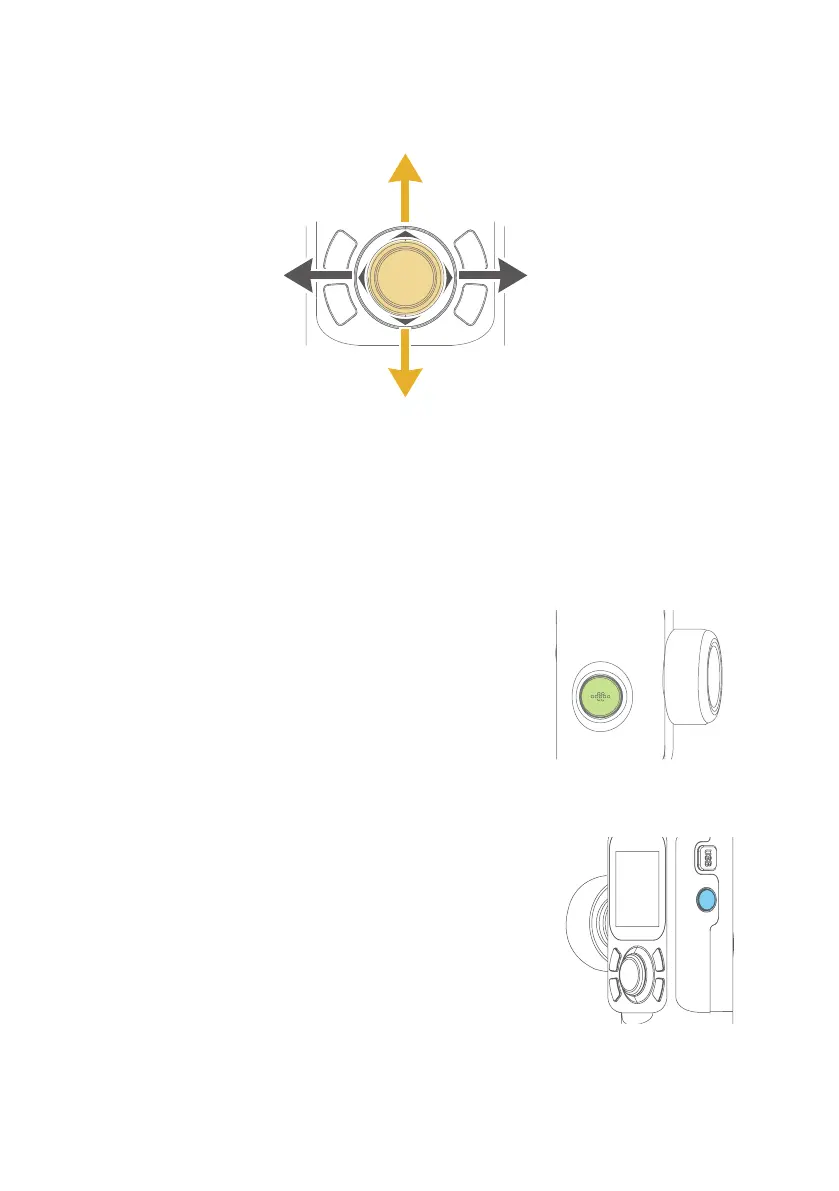
4.2.5 Joystick
4.2.6 Shortcut Button
Long press
Double
Upward
(1)Camera lens upward
(2) Select the option above
(2) Select the option below
Downward
Move to right
Move to left
(1) Camera lens move to left
(1) Camera lens downward
(2) Select the option on the left
(1)Camera lens move to right
(2) Select the option on the right
⸺ Follow mode
4.2.7 Function Button
Single click ⸺ Return/ Lock screen/ Unlock screen
⸺ Reset
Single click the function key on the main interface to
enter the lock screen/unlock screen
When screen is locked, interface is not usable.
Unlock to resume control.
On other interfaces, single click the function button to
return to the main interface.















 To Next Page