- 20 -
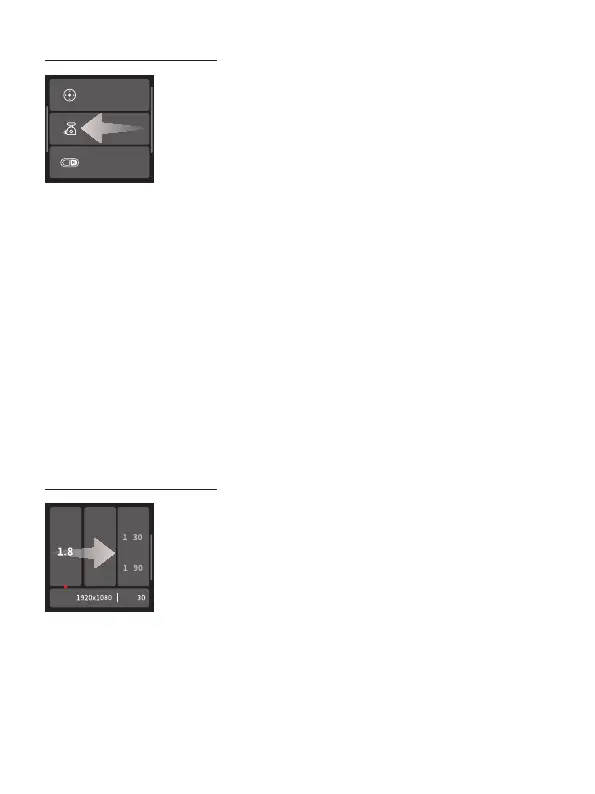
Swipe from right to left
Joystick settings
Gimbal settings
A/B settings
A
- Joystick settings
Set the joystick speed for controlling pan/tilt axis, provide joystick direction switch.
- Gimbal settings
Including disable sele, manual lock, and horizon calibration settings.
- A/B settings
Set auto focus time and attitude change time.
- More
Silent switch, select language, restore the default settings, check version
information.
Swipe from left to right
ISO
F Shutter
DPI FPS
- Camera settings
Set aperture, ISO, shutter speed and show current resolution, fps after connecting
with camera.















 To Next Page